Guides
AI Kitchen Design Tools Compared (2026): Pricing, Free Trials, and What Each Does
Seven AI kitchen design tools compared on what they publish: pricing, free trials, photo upload, to-scale planning, and platforms, with which to pick for each need.
By the AI Kitchen Design editorial team · Updated November 15, 2026 · 7 min read
Search for AI kitchen design and you'll find dozens of tools, and most of the “best of” lists are written by one of the vendors. This one is too: we make AI Kitchen Design. So we've done it differently. We haven't ranked anyone, and we haven't judged image quality for tools we don't make. Instead, this guide lays out what seven tools say about themselves, on their own sites, as of November 15, 2026, so you can pick the ones worth trying on your own photo.
Two kinds of tool
- Photo redesign. You upload a picture of your kitchen and get it back in a new style. Fast and realistic, but not to scale. Most tools here are this kind.
- Planning software with AI features. You start from measurements or a floor plan and get a 2D and 3D layout. To scale, but it shows a model, not your room.
Which kind you need comes first. More on the difference in AI kitchen design vs. a designer vs. 3D planning software.
At a glance
| Tool | Kind | Free to try | Paid pricing | Platforms |
|---|---|---|---|---|
| AI Kitchen Design (ours) | Photo redesign, kitchen-first | 1 design, no card | $19/mo for 30 designs; $39 for 80; $79 for 200 | Web |
| KitchenDesign.io | Photo redesign, kitchen-first | No free image generation listed | $14/mo for 25 credits; $18 for 75; $36 for 200 | Web |
| DecorAI | Photo redesign, all rooms | 1-day trial, 3 designs, card required | $24/mo unlimited; $240/yr | Web |
| REimagineHome | Photo redesign and staging | 5 designs, no card | Monthly credit plans, listed as $14–$99/mo | Web |
| GenRoom | Photo redesign and 3D | Not listed on the pricing page | One-time packs: $9.99, $19.99, $39.99 | Web |
| Remodel AI | Photo redesign, all rooms | 3 designs, no card | Not listed on its home page | iOS, Android, web |
| Planner 5D | 2D/3D planner with AI features | Free 2D and 3D planning | $4.99/mo or $33.33/mo, billed annually; some AI features use credits | Web, iOS, Android, Windows, macOS |
AI Kitchen Design (ours)
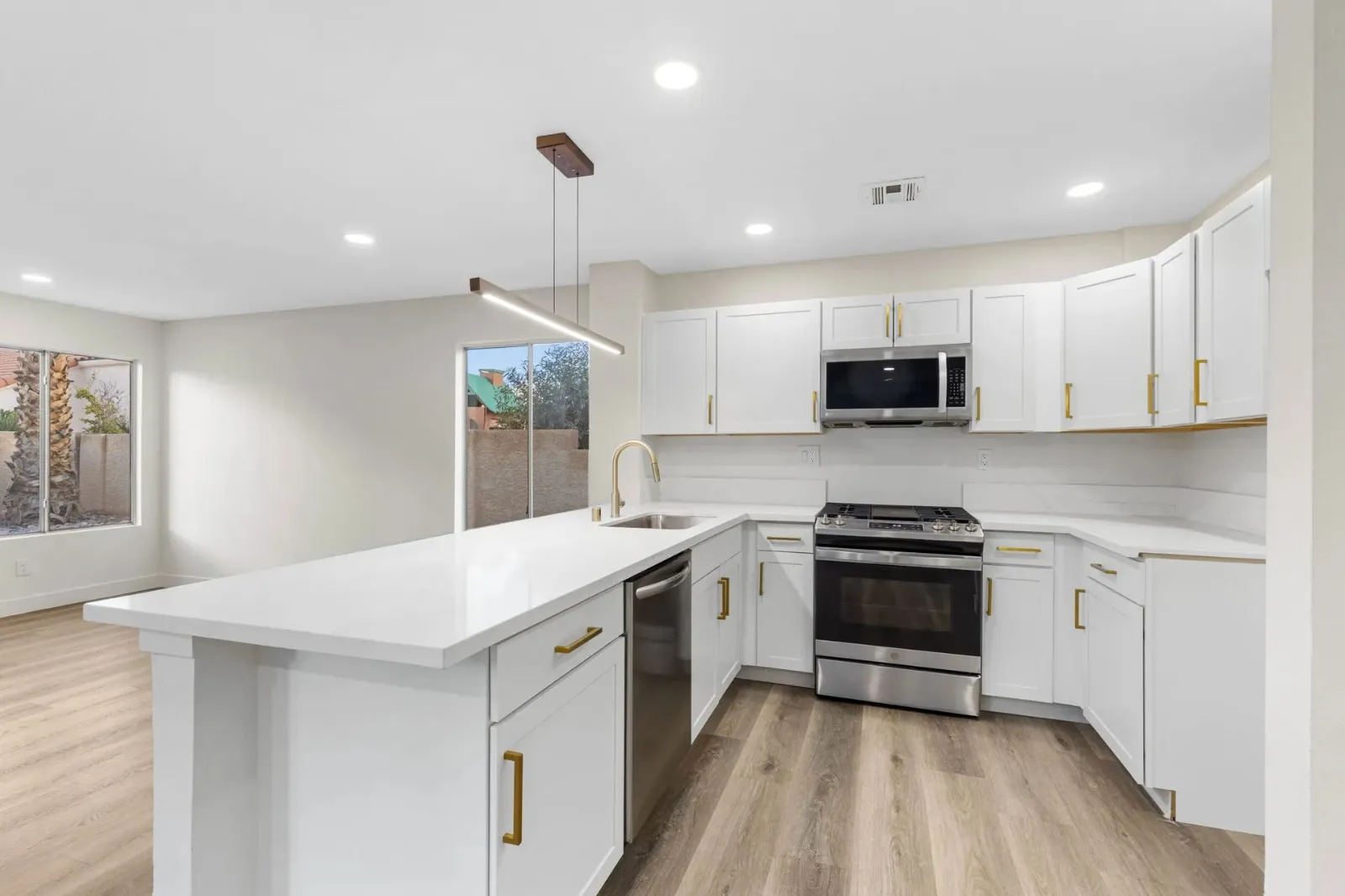
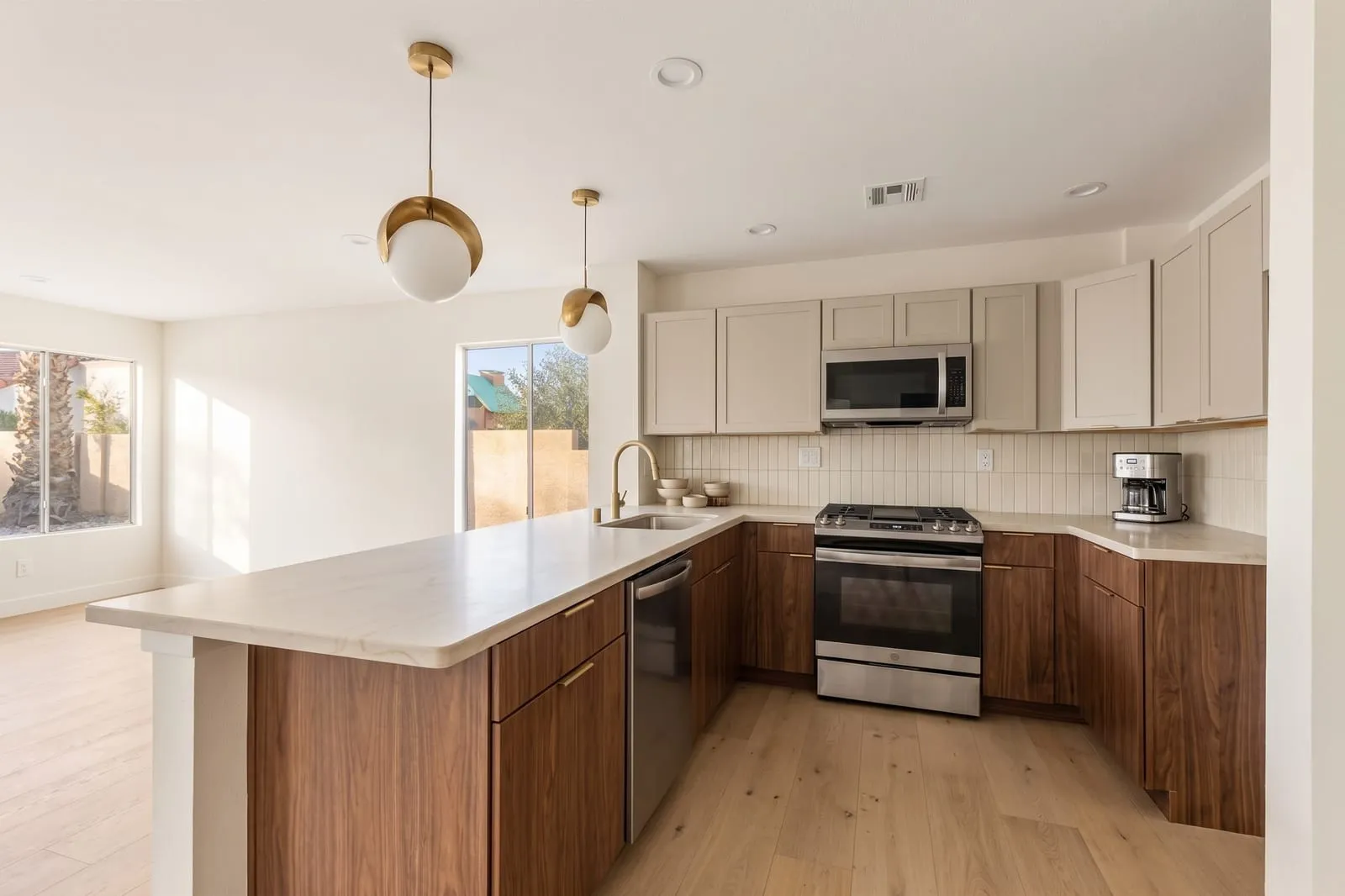
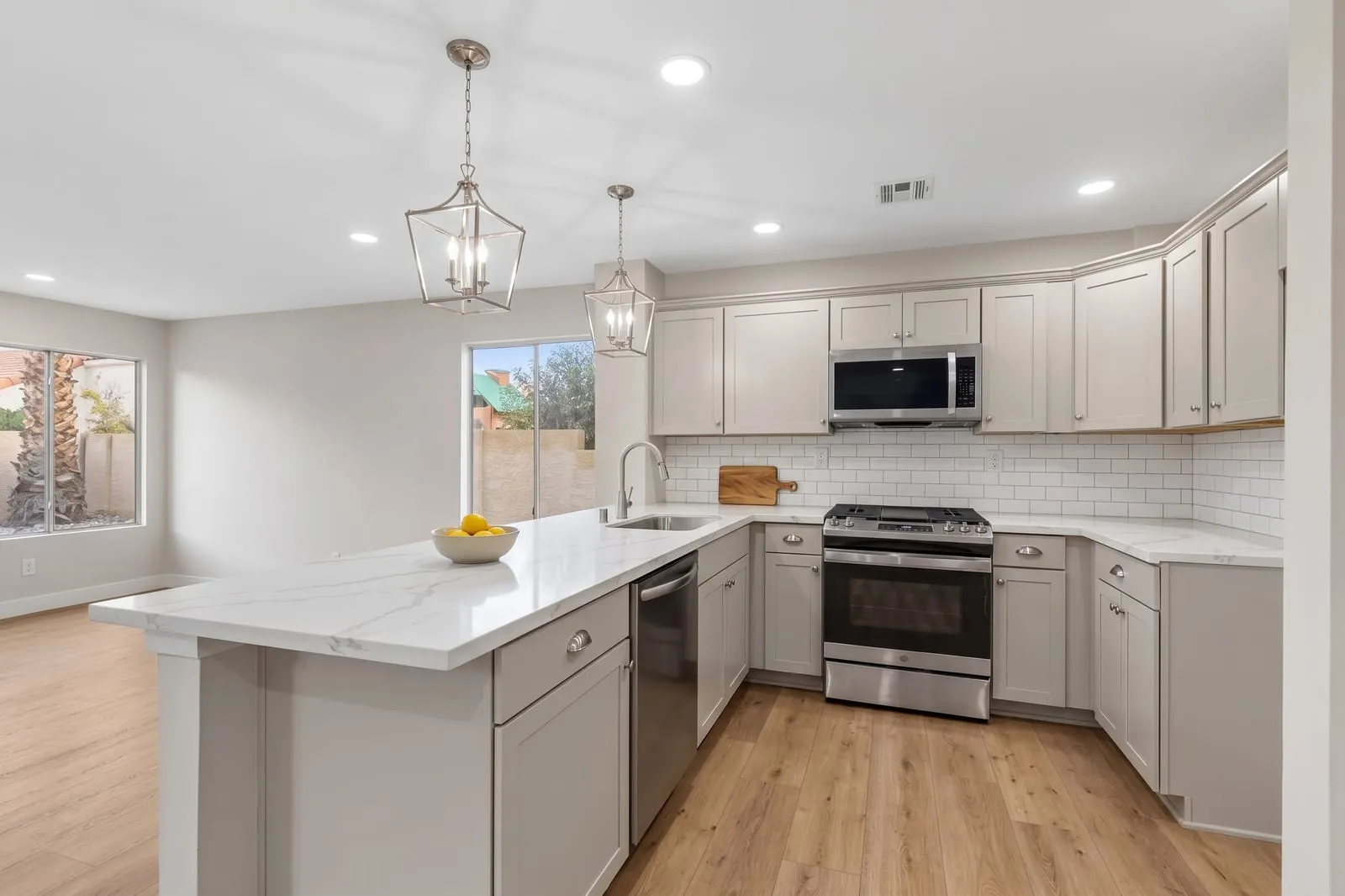
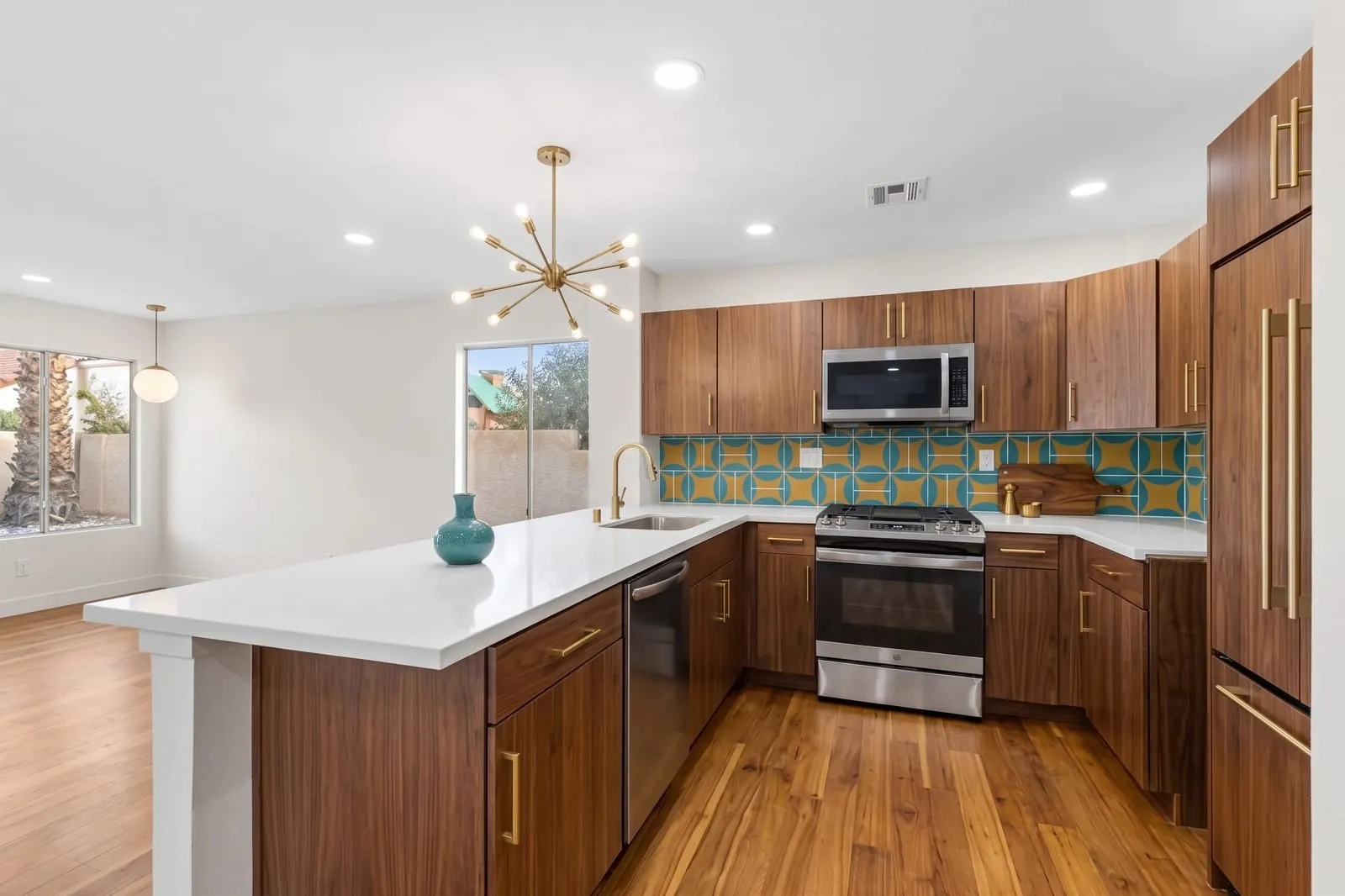
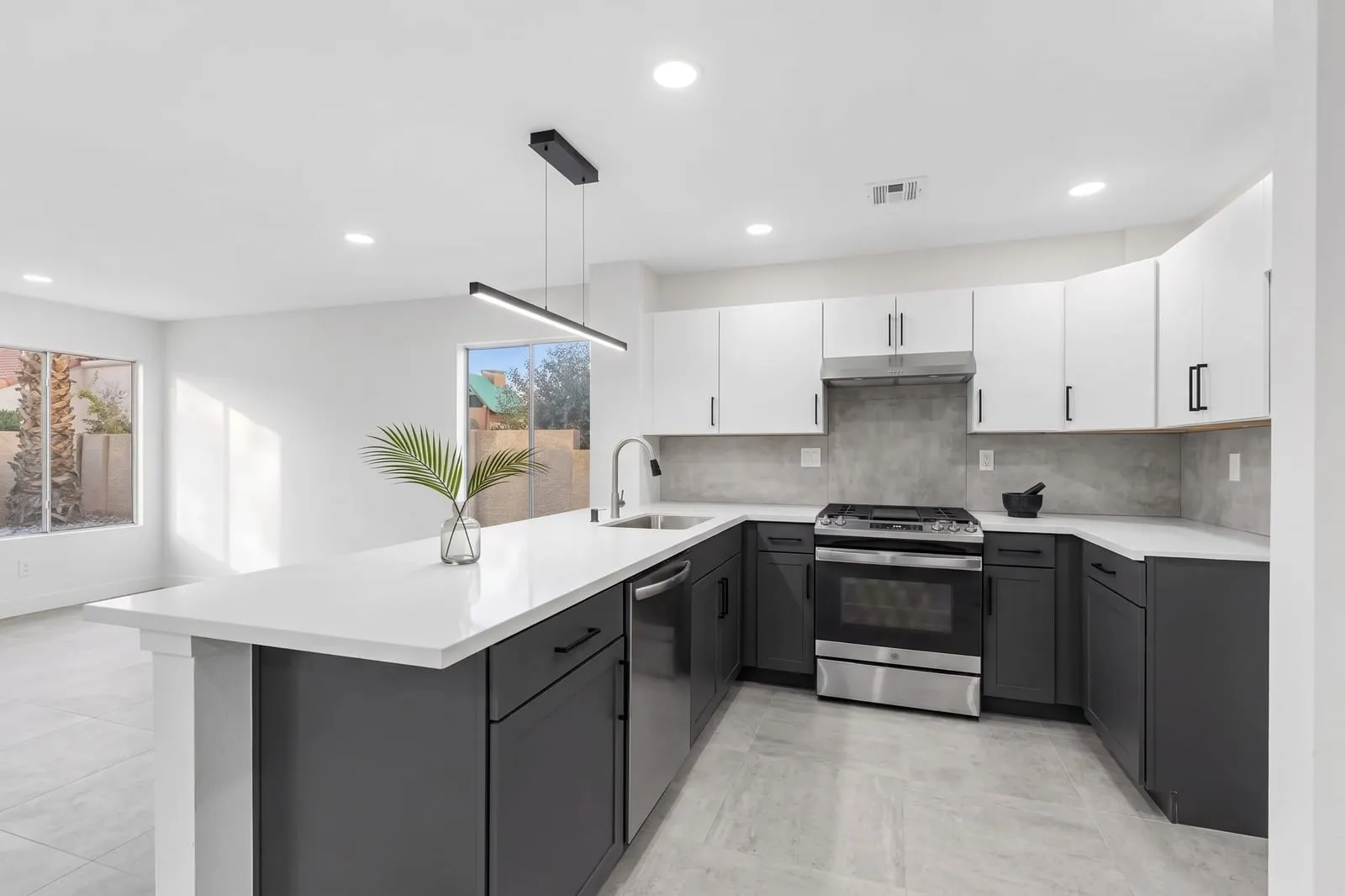
Built for kitchens first. You upload a photo, choose one of 18 kitchen styles, and choose how much to change: Refresh (new finishes on your existing cabinets), Remodel (new cabinets in the same layout), or Redesign (a new arrangement inside the same walls). You can refine a result with one instruction, and the same credits work for other rooms.
- Pricing: 1 free design without a card. Starter $19/month for 30 designs, Pro $39 for 80, Studio $79 for 200. A 2K image is 1 credit; 4K, on paid plans, is 2.
- Also free: a to-scale 2D and 3D kitchen planner and five calculators, with no signup.
- Limits: images are concepts, not to scale. Web only; there is no phone app.
KitchenDesign.io
The closest tool to ours in approach: photo upload, 18 preset styles, custom instructions and reference images, and the same three change levels (Refresh, Remodel, Redesign). It also offers a free 2D layout planner.
- Pricing: Mini $14/month for 25 credits, Personal $18 for 75, Premium $36 for 200. Credits are split between its kitchen and interior tools.
- Free: its page says image generation requires paid credits.
- Limits it states: “AI images are design concepts: they may alter details and do not provide reliable dimensions or construction plans.”
DecorAI
A general interior design tool with a kitchen tool among more than 20, and a large style library (175 styles across 135 kinds of space, by its count).
- Pricing: $24/month, $120 per half-year, or $240/year, with unlimited designs.
- Free: a 1-day trial with 3 designs and no watermark. A card is required and the plan renews unless you cancel.
- Good to know: unlimited generation suits people who want to try a very large number of variations.
REimagineHome
Aimed at real estate as much as homeowners: virtual staging, landscaping, and exterior edits alongside interior redesign. Higher plans add reference photos, a conversational design flow, and real products shown in your space.
- Pricing: monthly credit plans of 30, 200, 400, and 900 credits. The pricing page gives a range of $14–$99/month.
- Free: 5 designs for new users, no card.
- Good to know: the 30-credit plan excludes high-resolution output, reference photos, and real products.
GenRoom
Sells credits once instead of by subscription, and covers interiors, facades, and yards, with 3D walkthroughs.
- Pricing: one-time packs of $9.99 (36 credits), $19.99 (100), and $39.99 (300). Credits are valid for 180 days.
- Good to know: 4K starts at the $19.99 pack, and the pricing page lists “own photos (up to 5 per design)” and private designs under the $39.99 pack only. Check what the smaller packs allow before buying.
Remodel AI
A phone-first app that also runs on the web. It lists eight tools, including interior redesign, wall paint, floor replacement, and object removal, with 30+ interior styles.
- Pricing: not listed on its home page; subscriptions are sold through the app.
- Free: 3 designs at full quality, no card.
- Good to know: the only tool here with native iOS and Android apps besides Planner 5D.
Planner 5D
A planning program first, with AI added. It can turn an uploaded floor plan into an editable 2D and 3D project, generate a furnished room from dimensions, and restyle a photo or render in its AI Studio.
- Pricing: free to start with 2D and 3D planning and half the furniture catalog. Premium is $4.99/month and Professional $33.33/month, both billed annually. Some AI features need a paid plan or credits.
- Limits it states: “A convincing render is not a construction document.” It can't verify plumbing, electrical work, or structural walls.
- Good to know: the choice here if you need dimensions, CAD export, or desktop and mobile apps.
Which to try, by what you need
| If you want | Look at |
|---|---|
| Your own kitchen in a new finish, with control over how much changes | AI Kitchen Design or KitchenDesign.io |
| To pay once instead of subscribing | GenRoom |
| Unlimited generations for one monthly price | DecorAI |
| The most free designs before paying | REimagineHome (5) or Remodel AI (3) |
| A phone app | Remodel AI or Planner 5D |
| A measured, to-scale layout | Planner 5D, or our free kitchen planner |
| Staging and listing photos for property sales | REimagineHome |
How to compare them yourself
- Use the same photo in each. A wide, level, well-lit shot from a corner. See how to take it.
- Ask for the same thing, such as “navy lower cabinets, white uppers, brass pulls”.
- Check what stayed put. Compare the windows, doors, and appliance positions with your original.
- Look at the details you care about: cabinet doors, hardware, the edge of the countertop.
- Then look at the price per design you'd actually use, not the headline price.
What to look for in the results is covered in is AI kitchen design accurate?
What this comparison doesn't tell you
It doesn't tell you which tool makes the best images. We haven't run a controlled test of the other tools, and we'd be a biased judge if we had. It also won't stay current for long: prices and features in this market change monthly. Treat the table as a starting list and each vendor's own page as the final word.
Costs are typical 2026 US installed ranges and planning guidelines follow common NKBA recommendations. They're for planning only; confirm prices, measurements, and local codes with a licensed contractor. How we create our content.
Sources & further reading
- KitchenDesign.io — plans, credits, and features as published
- Planner 5D, AI kitchen design — features, plans, and stated limits
- DecorAI pricing — plans and trial terms
- REimagineHome pricing — plans, credits, and free designs
- GenRoom pricing — one-time credit packs
- Remodel AI — platforms, tools, and free designs
Frequently asked questions
- What is the best AI kitchen design tool?
- It depends on what you need. For a photo of your own kitchen in a new finish, use a photo-redesign tool. For a measured layout, use a planner such as Planner 5D or a free 2D planner. Many people use both. Try the free designs each tool offers on the same photo and compare.
- Is there a free AI kitchen design tool?
- Several offer free designs: REimagineHome lists 5 free designs, Remodel AI lists 3, and AI Kitchen Design gives 1, each without a card. DecorAI offers a 1-day trial with 3 designs that requires a card. Planner 5D's 2D and 3D planning is free to start.
- Which AI kitchen design tools work from a photo?
- AI Kitchen Design, KitchenDesign.io, DecorAI, REimagineHome, Remodel AI, and Planner 5D's AI Studio all describe redesigning a room from an uploaded photo. Check each tool's current page, because features change.
- Can any AI kitchen design tool produce measured drawings?
- Not from a photo. Planners that start from dimensions or a floor plan, such as Planner 5D, produce a layout you can check for scale. Photo-redesign tools produce images only.
- How was this comparison made?
- From each company's own website on November 15, 2026. Prices and features change often, so confirm on the vendor's pricing page before you pay.