AI design tool
AI living room design from a photo
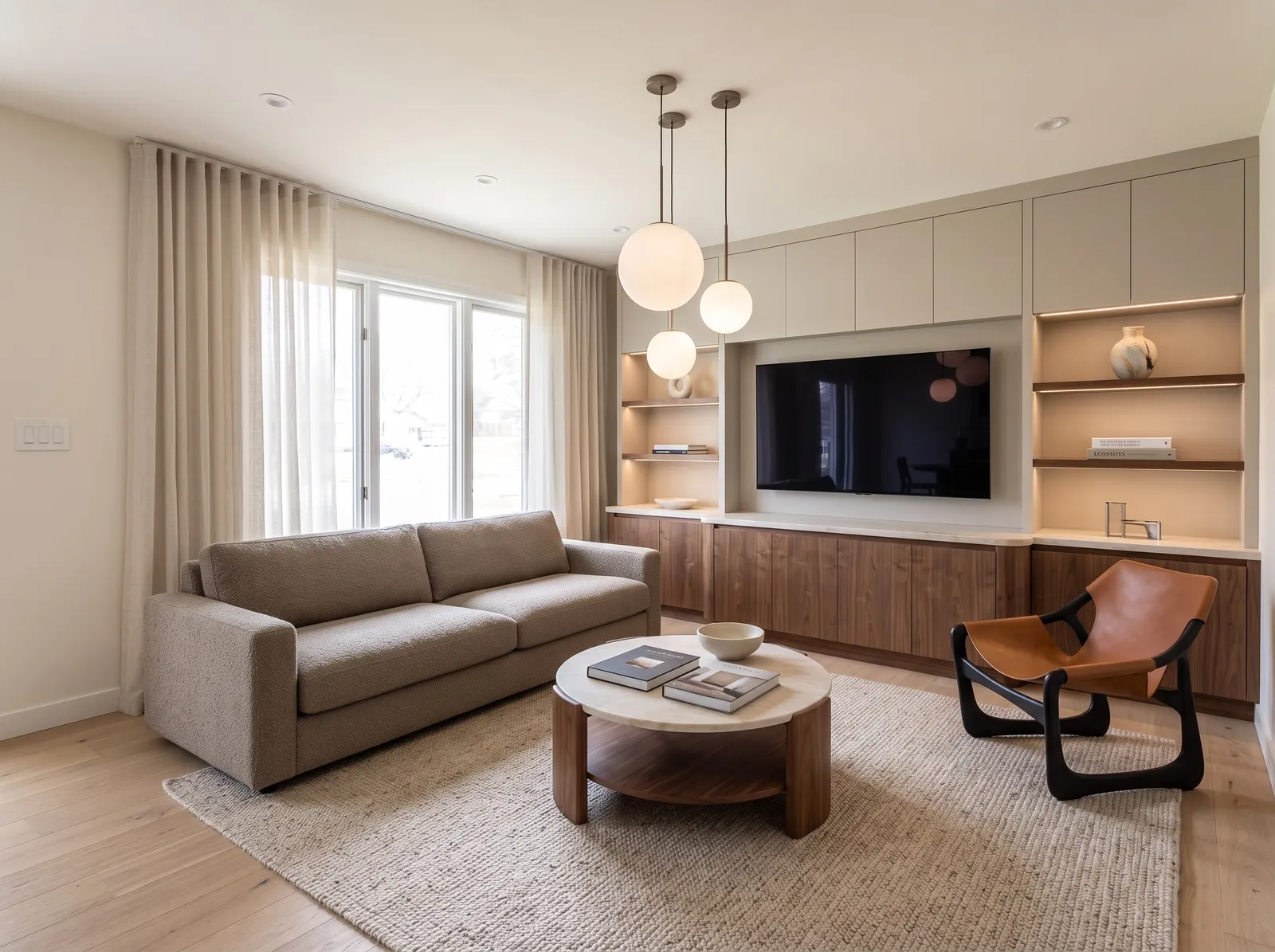
Take a photo of your living room as it is today, clutter and all, and see it redesigned with new furniture, rugs, lighting, and wall color. Windows and walls stay where they are.
First design free · No card needed
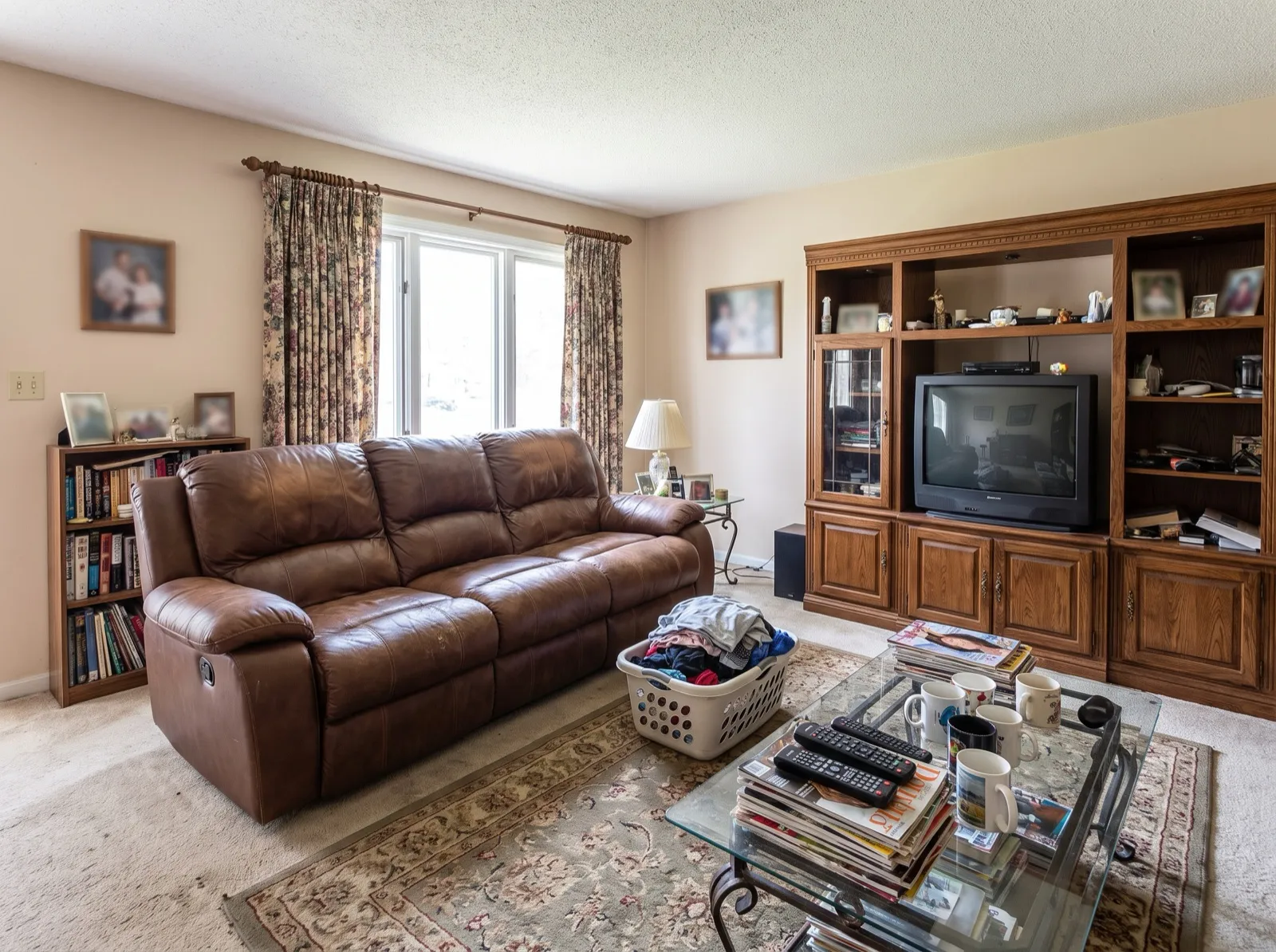
Works on furnished rooms
Dated sofas, busy shelves, and clutter are replaced with a coherent new design.
Try layouts and colors
Compare a calm Japandi room with a warm contemporary one before buying anything.
Keep what you love
Use the instructions box to keep a piece, like “keep the fireplace and the armchair”.
How it works
- 01
Upload a photo
A clear, wide shot from a corner or doorway. Phone photos work well.
- 02
Pick a style and change level
18 styles, plus Refresh, Remodel, or Redesign. Add colors or an inspiration photo.
- 03
Compare and refine
Slide between before and after, ask for tweaks, and download in 2K or 4K.
Choose how much to change
Refresh
New paint, counters, backsplash and hardware. Same cabinets and layout.
Remodel
New cabinets, appliances and finishes in the same layout.
Redesign
Full transformation inside the same walls, windows and doors.
Frequently asked questions
- Can AI design my living room from a photo?
- Yes. Upload a photo of your living room, choose a style, and the AI redesigns it while keeping the walls, windows, and camera angle.
- Does it work on empty rooms?
- Yes. Empty rooms are furnished in your chosen style; furnished rooms are redesigned.
- How much does it cost?
- Your first design is free. Plans start at $19/month, and the same credits work for kitchens and every other room.
More AI design tools
See it on your own kitchen.
Upload a photo and get a photorealistic redesign in about 30 seconds. Your first design is free.
Try it free