AI design tool
AI kitchen remodel: see the finished kitchen before demolition
A remodel is a five-figure decision. See the finished kitchen first, try different directions, and take the one you love to your contractor.
First design free · No card needed
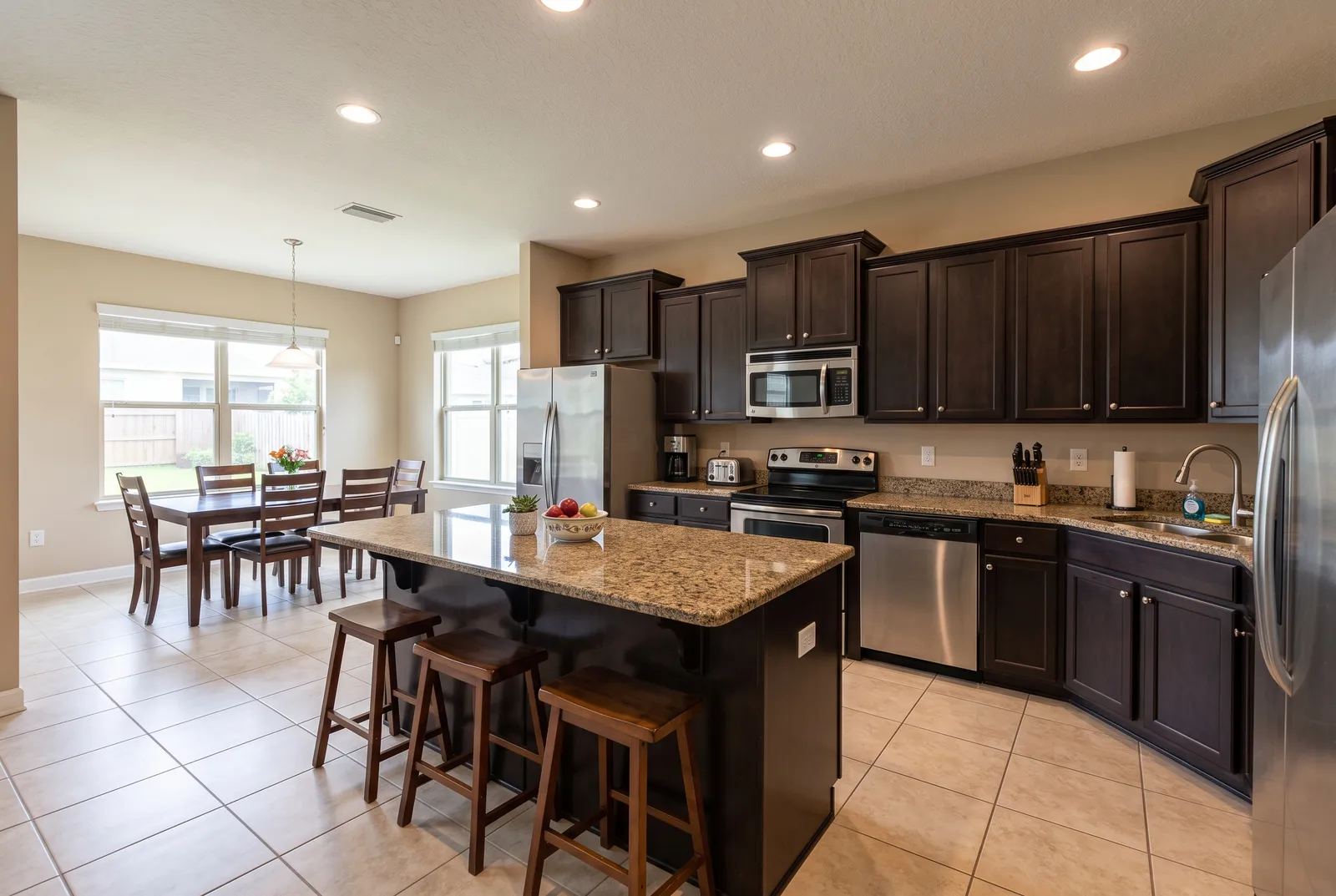
Remodel in the same layout
New cabinets, counters, backsplash, appliances, and floors where your plumbing and walls already are, which is usually the most cost-effective remodel.
Or go further
Redesign re-plans the cabinetry and island inside the same room, for when you're ready to move things.
Budget by level
Compare a cosmetic refresh with a full remodel to see whether the bigger spend is worth it.
How it works
- 01
Upload a photo
A clear, wide shot from a corner or doorway. Phone photos work well.
- 02
Pick a style and change level
18 styles, plus Refresh, Remodel, or Redesign. Add colors or an inspiration photo.
- 03
Compare and refine
Slide between before and after, ask for tweaks, and download in 2K or 4K.
Choose how much to change
Refresh
New paint, counters, backsplash and hardware. Same cabinets and layout.
Remodel
New cabinets, appliances and finishes in the same layout.
Redesign
Full transformation inside the same walls, windows and doors.
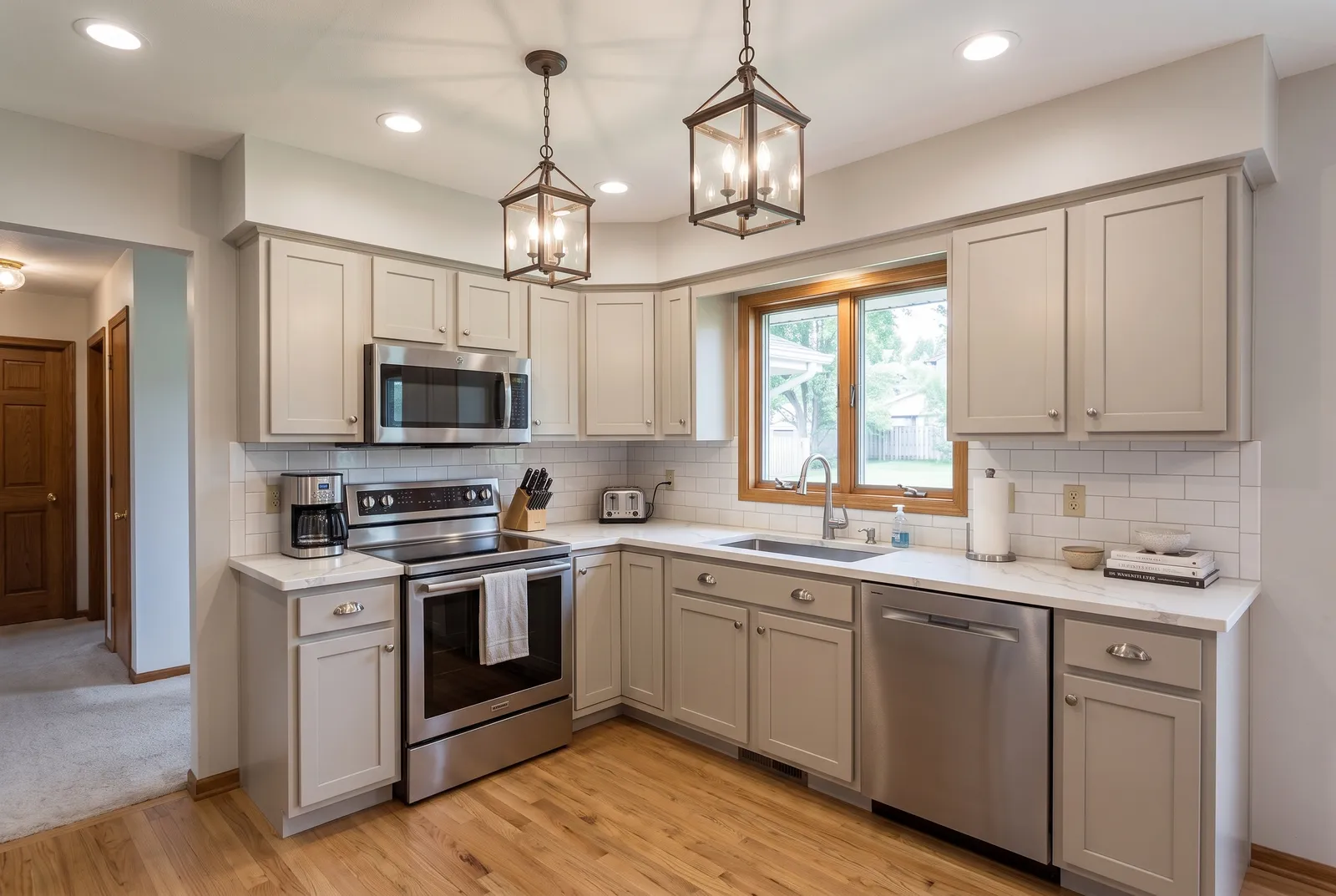
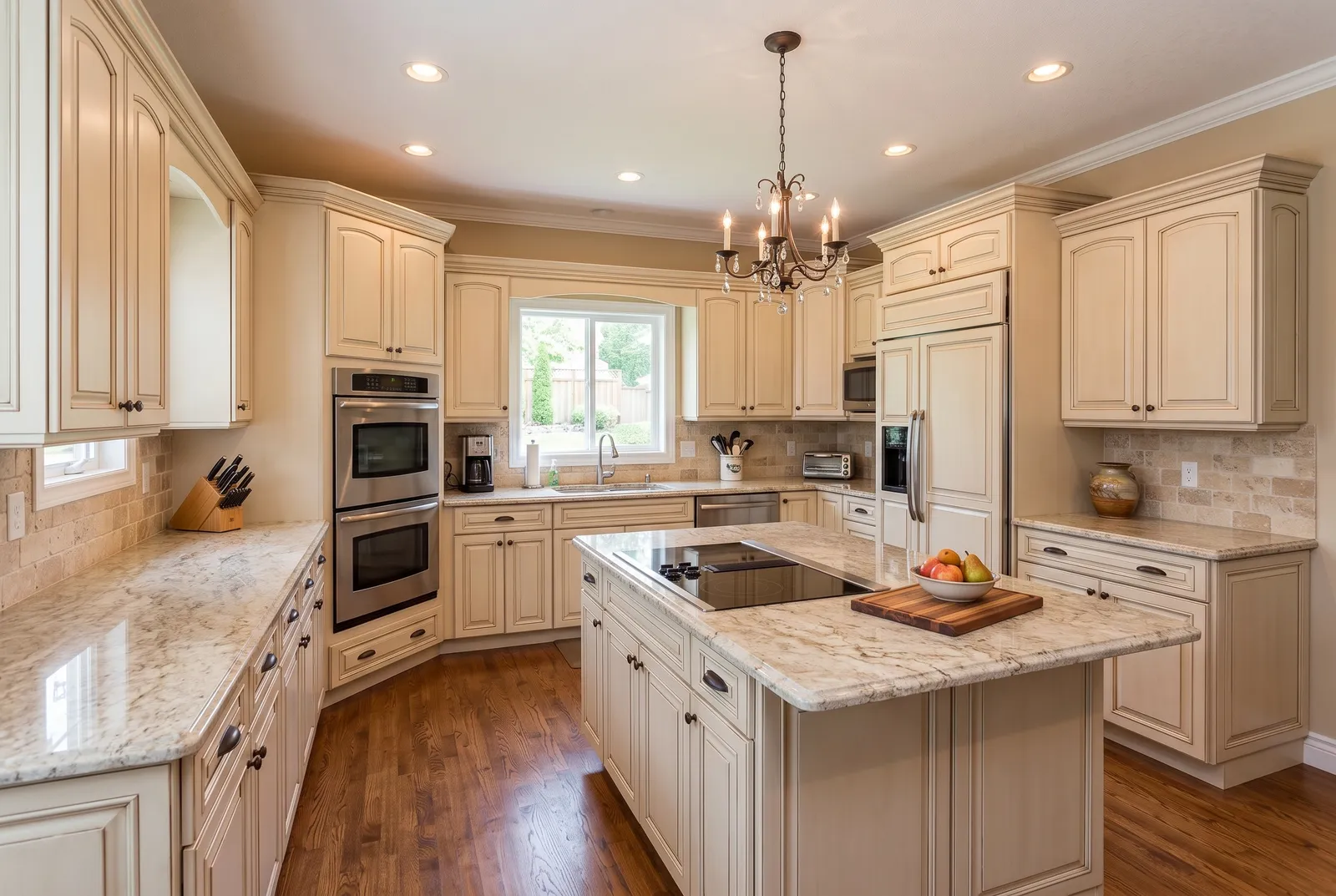
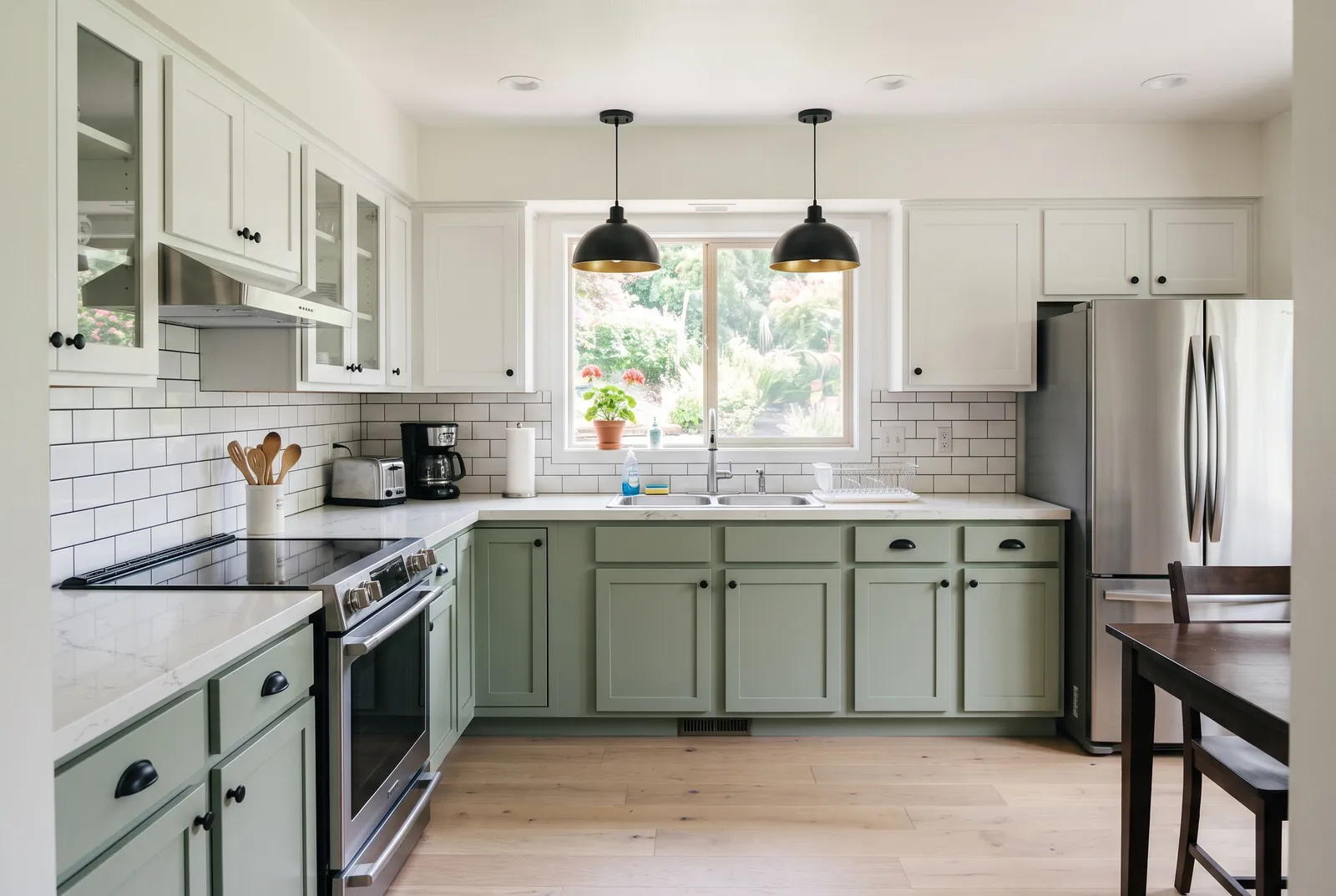
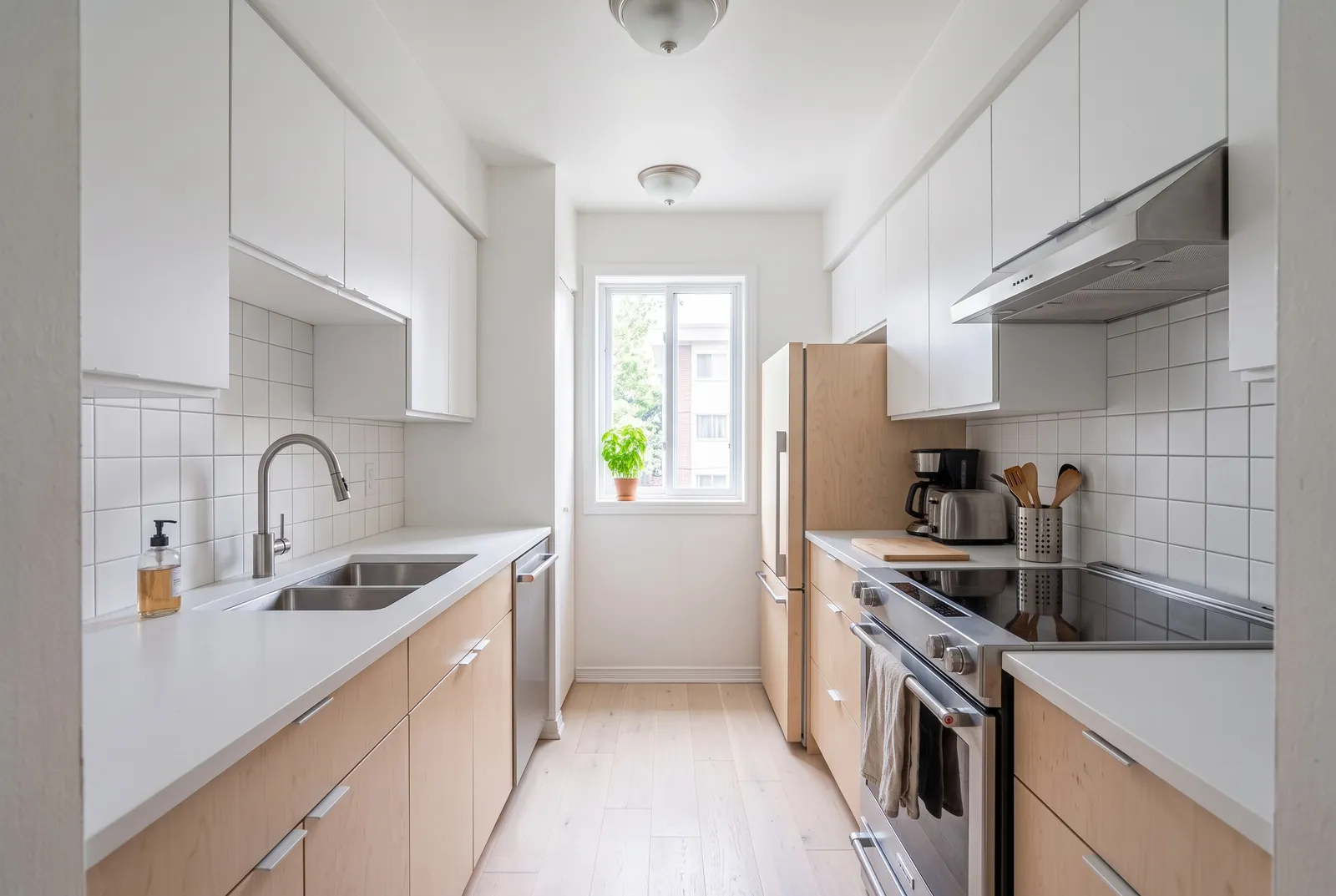
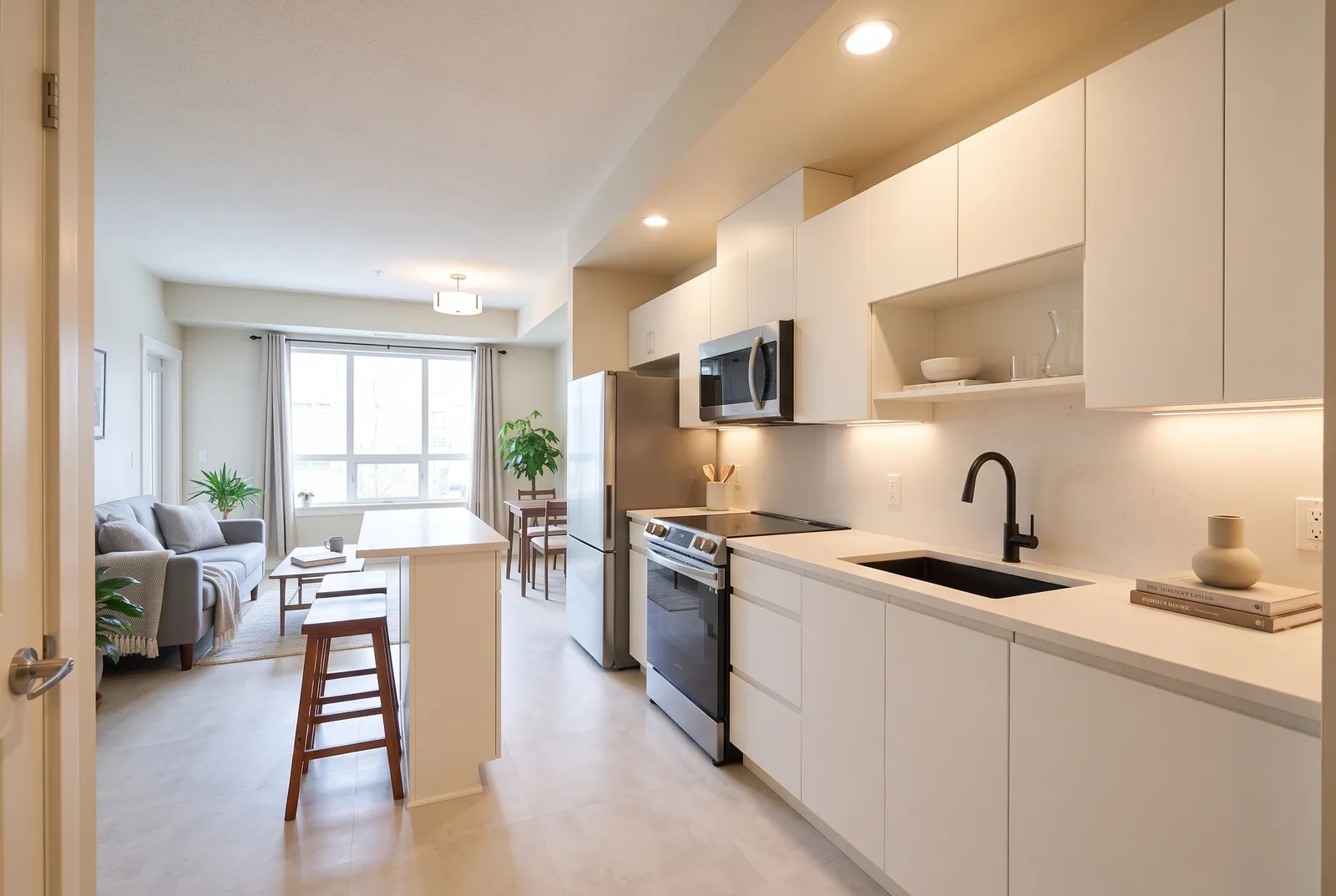
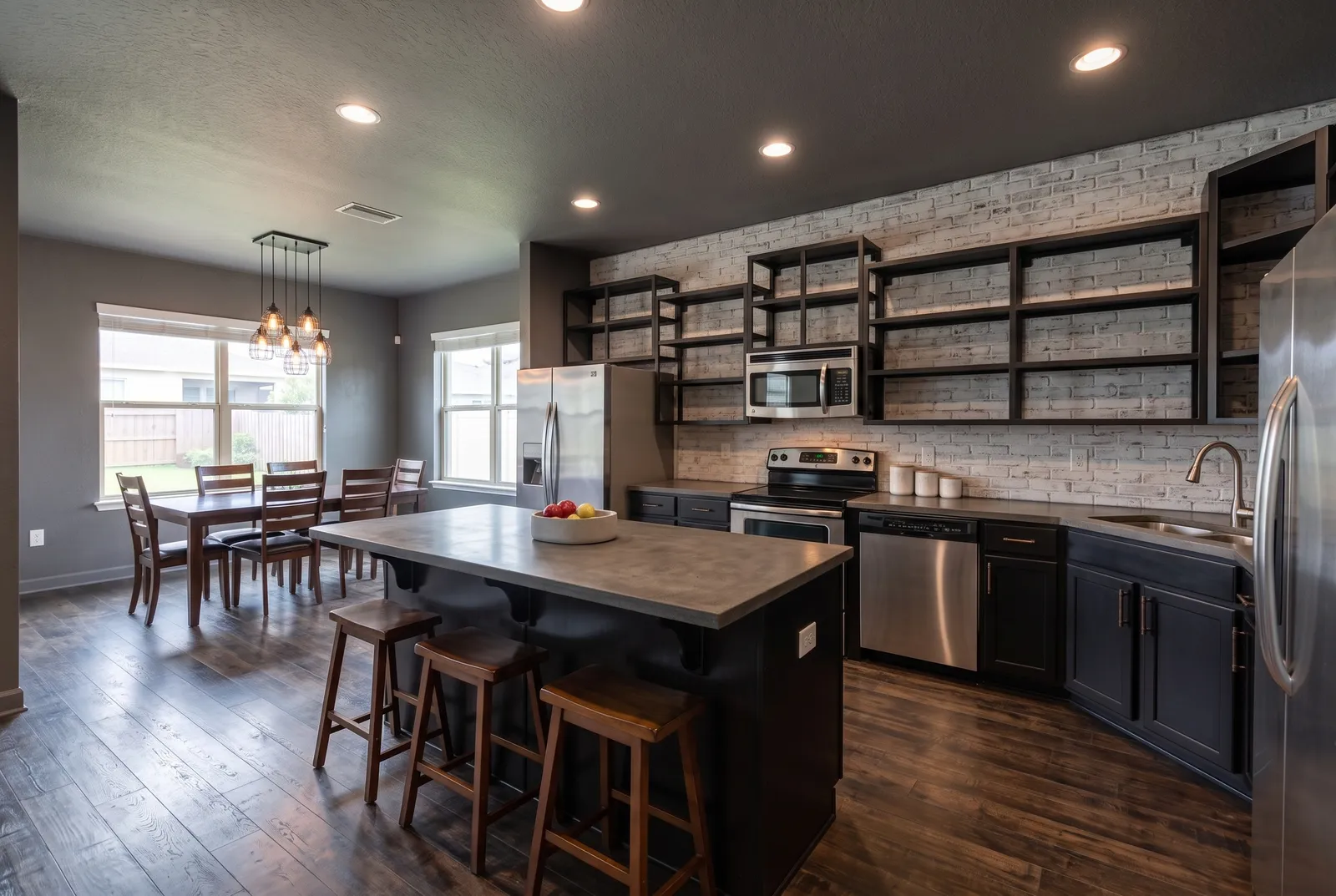
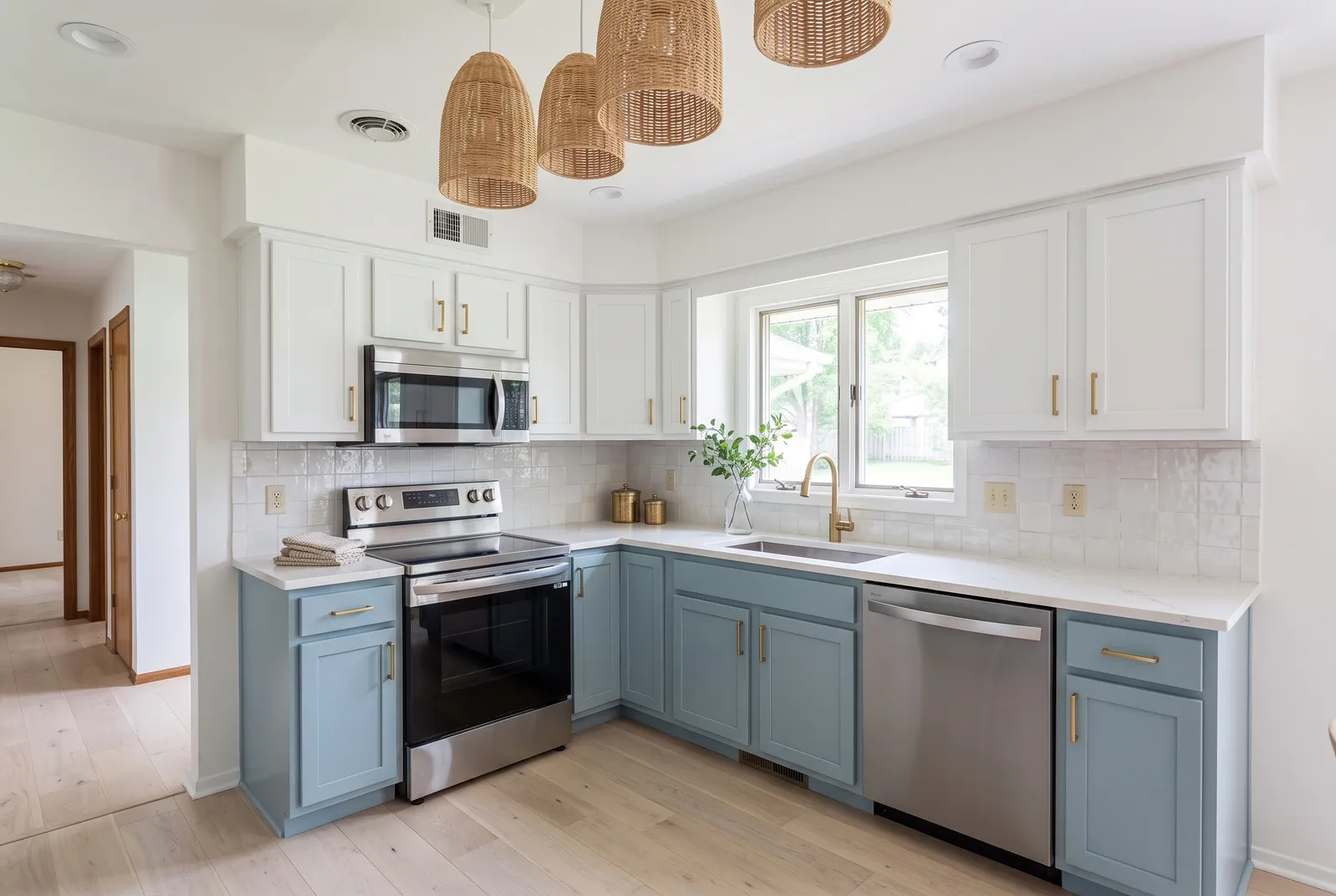
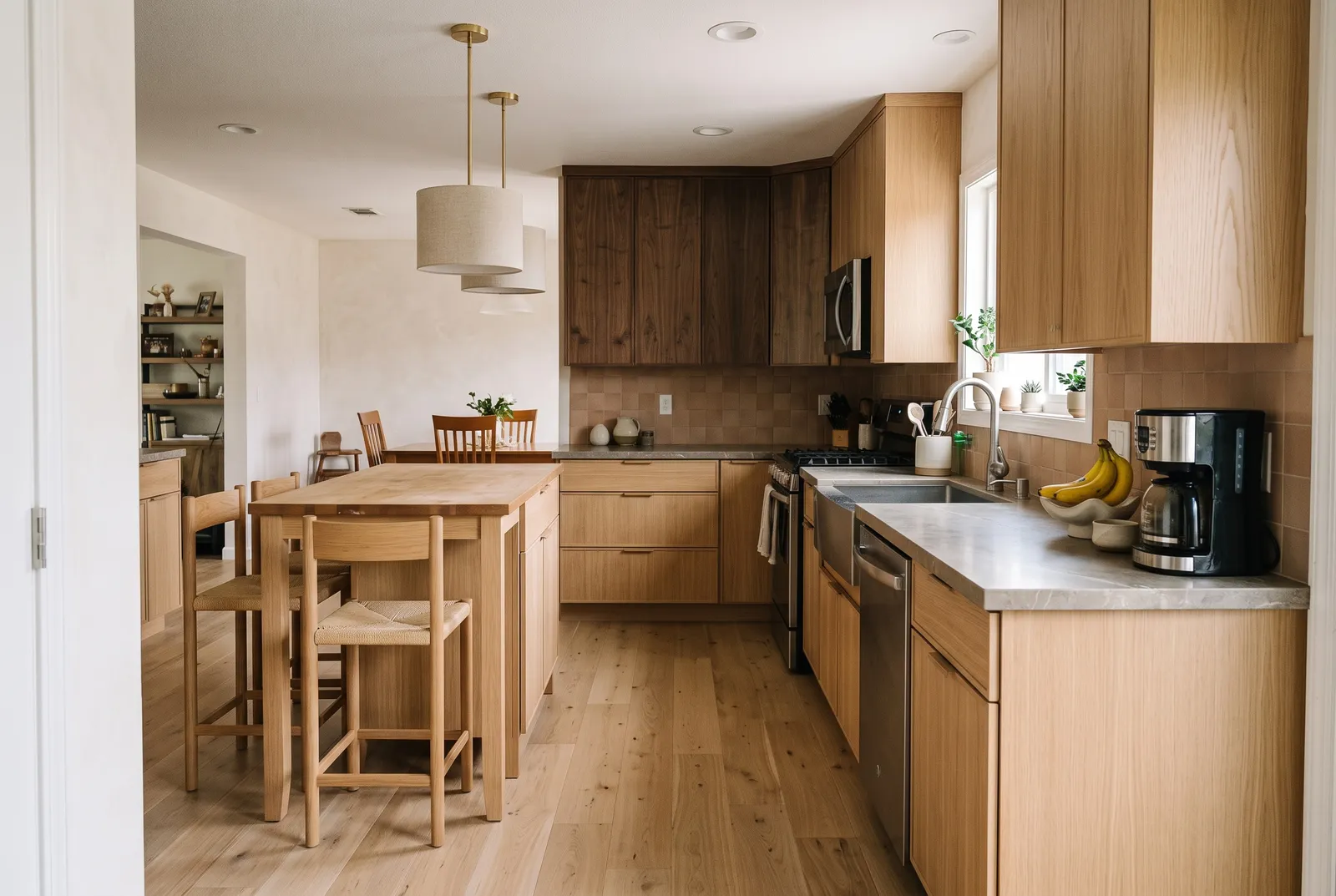
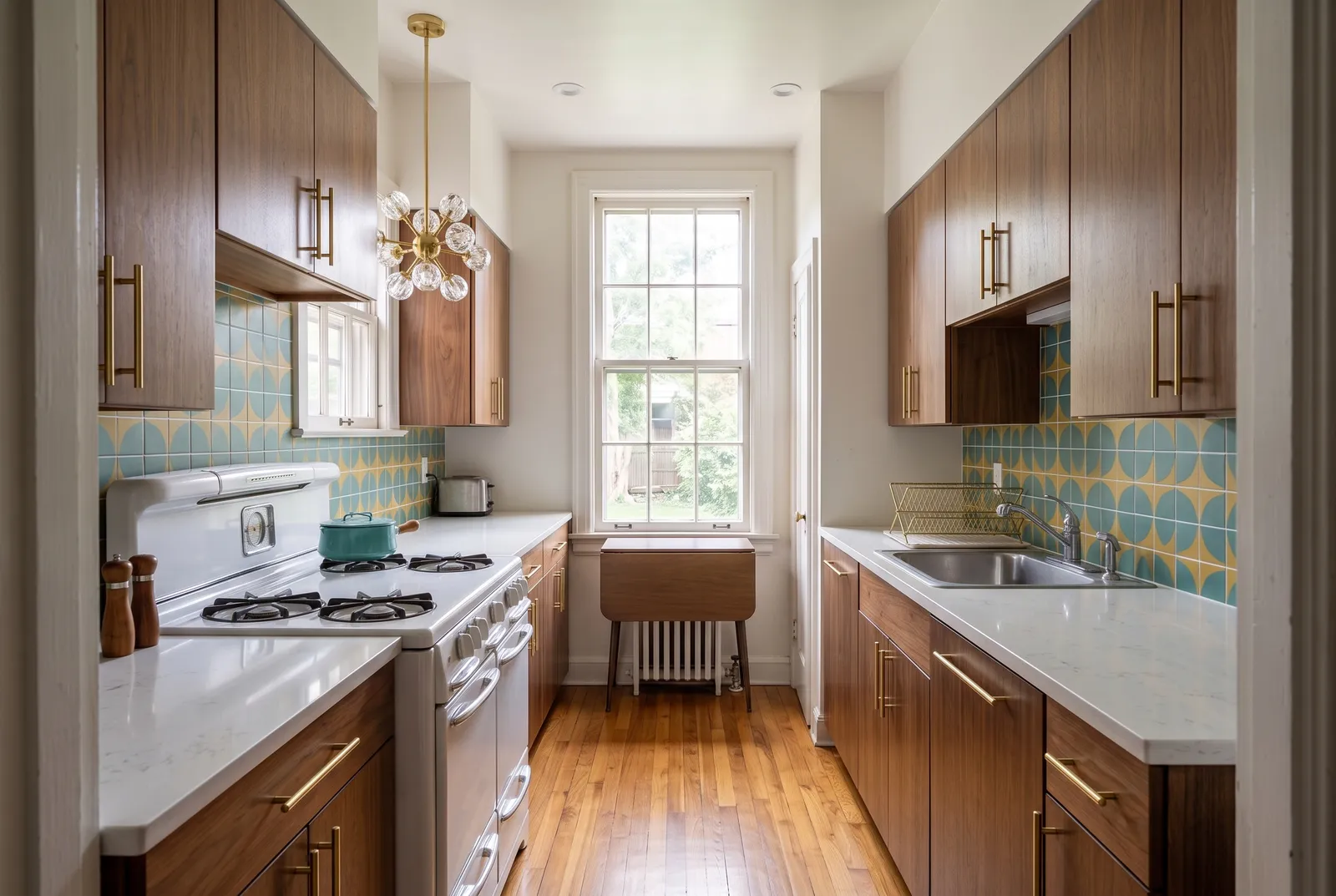
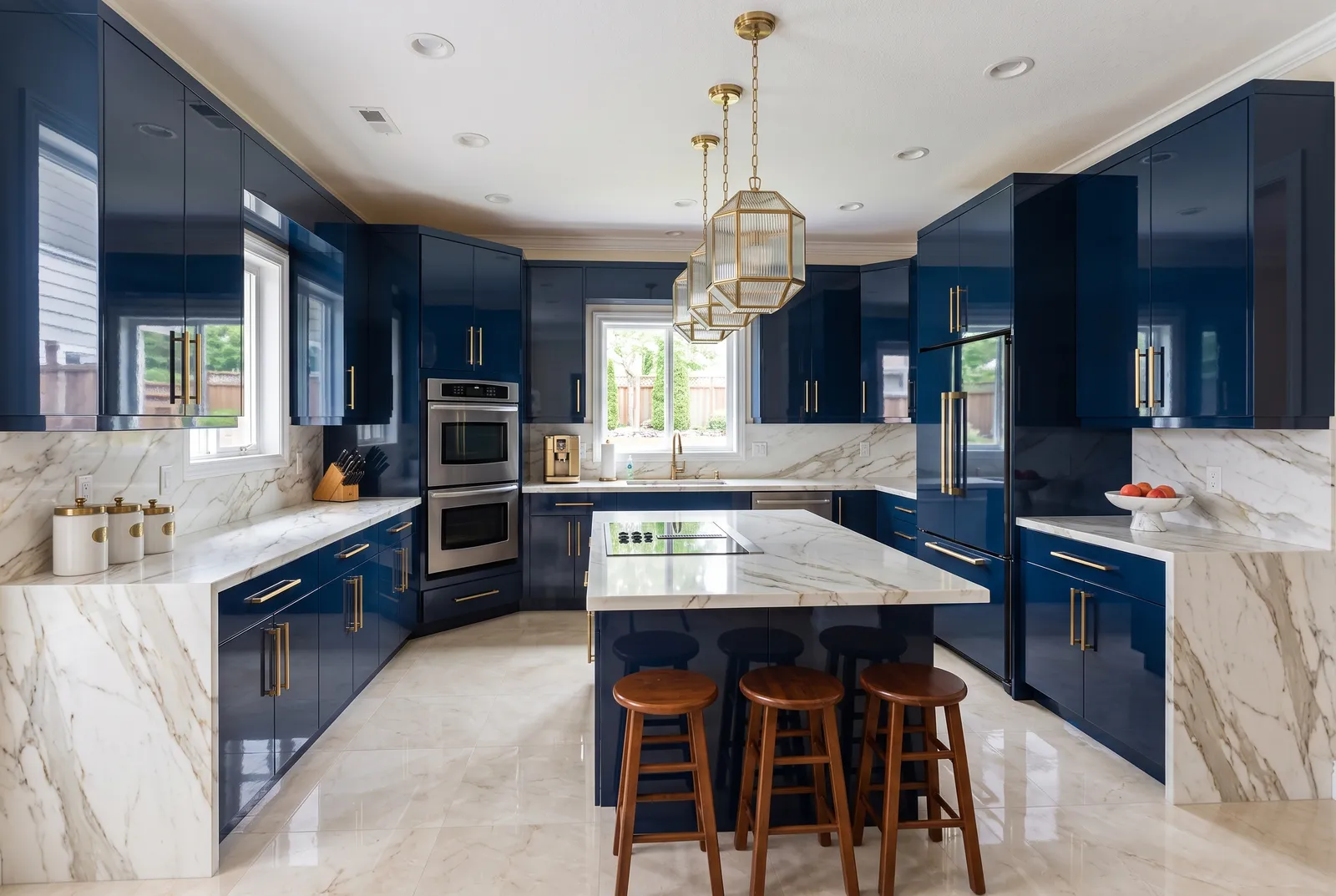
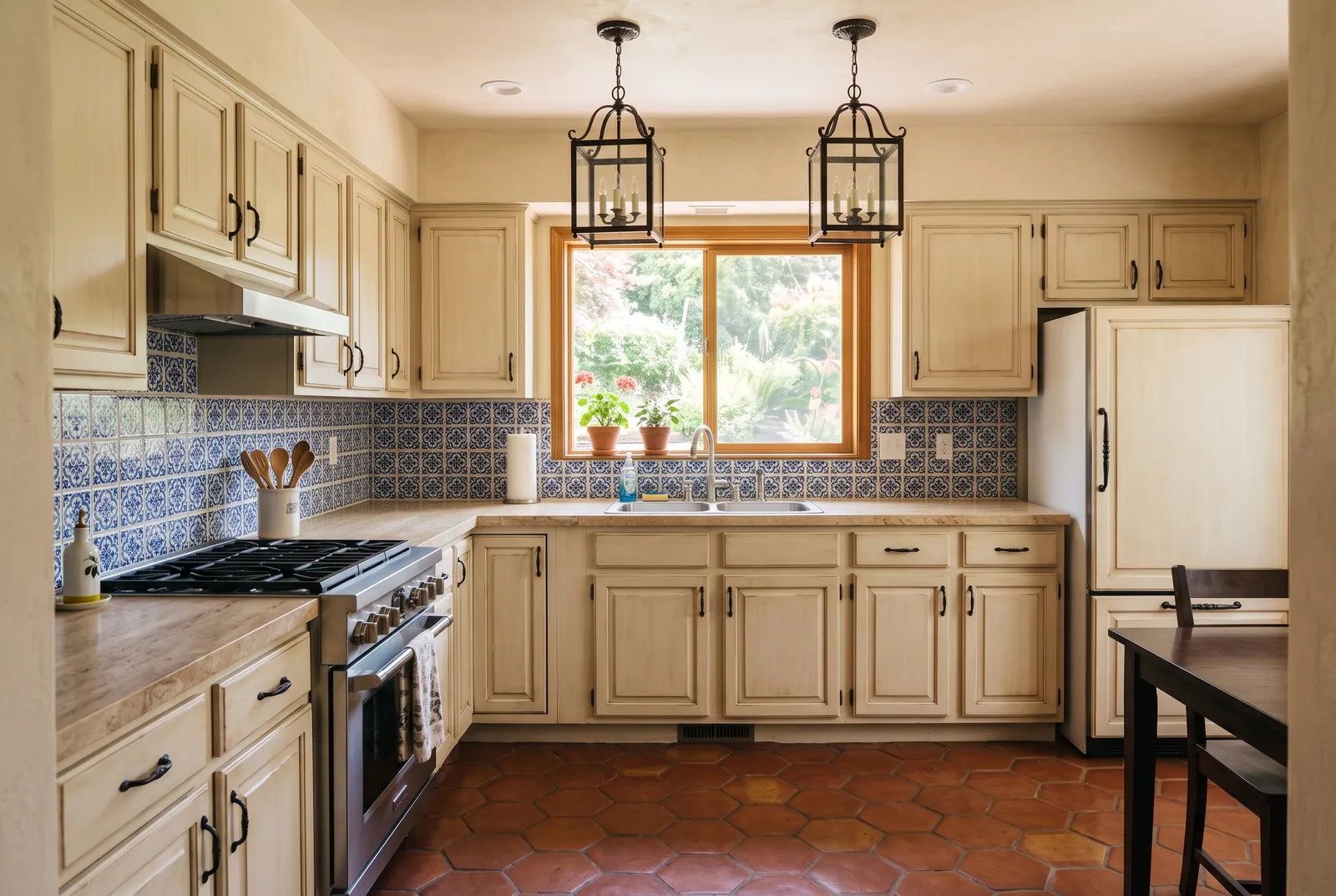
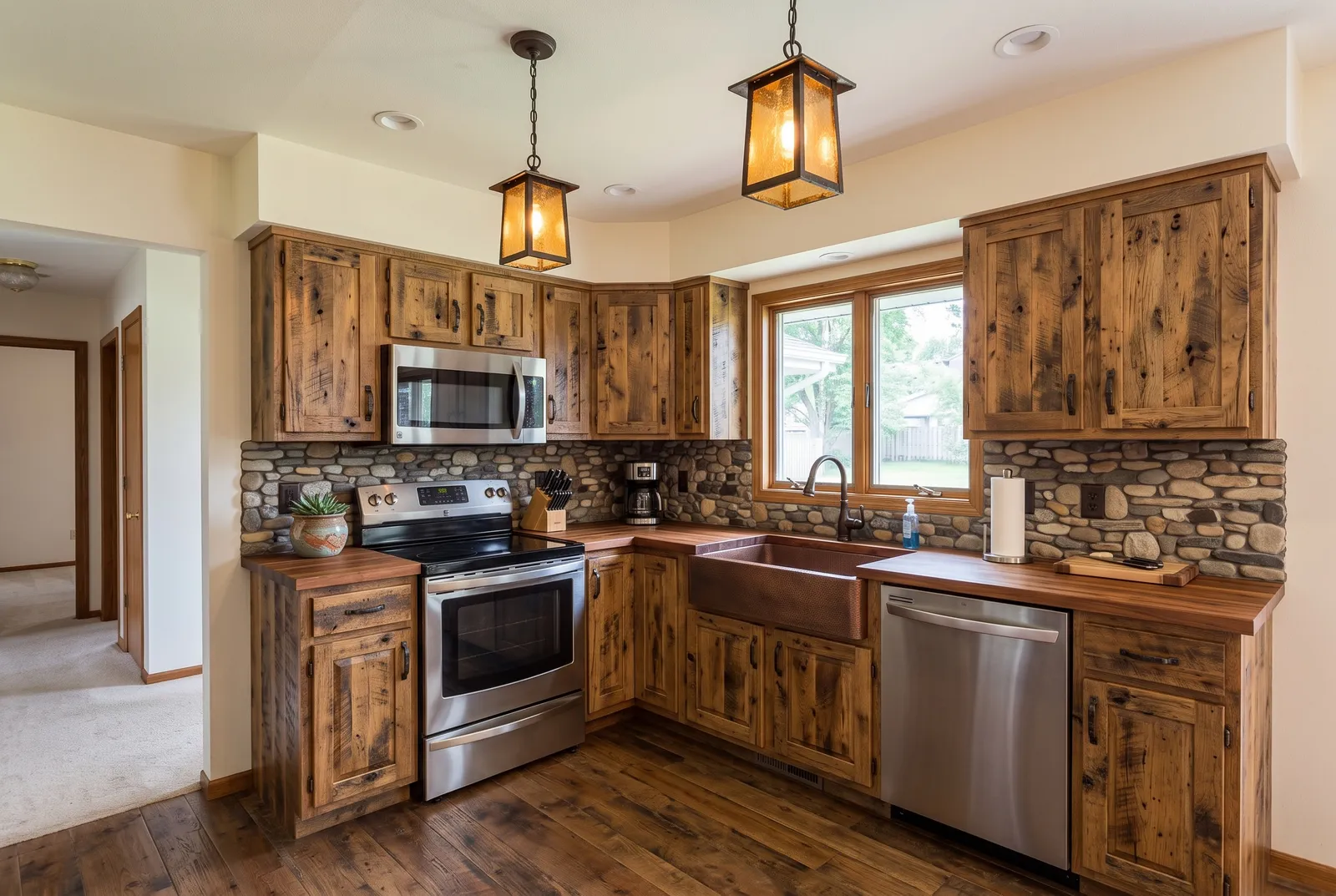
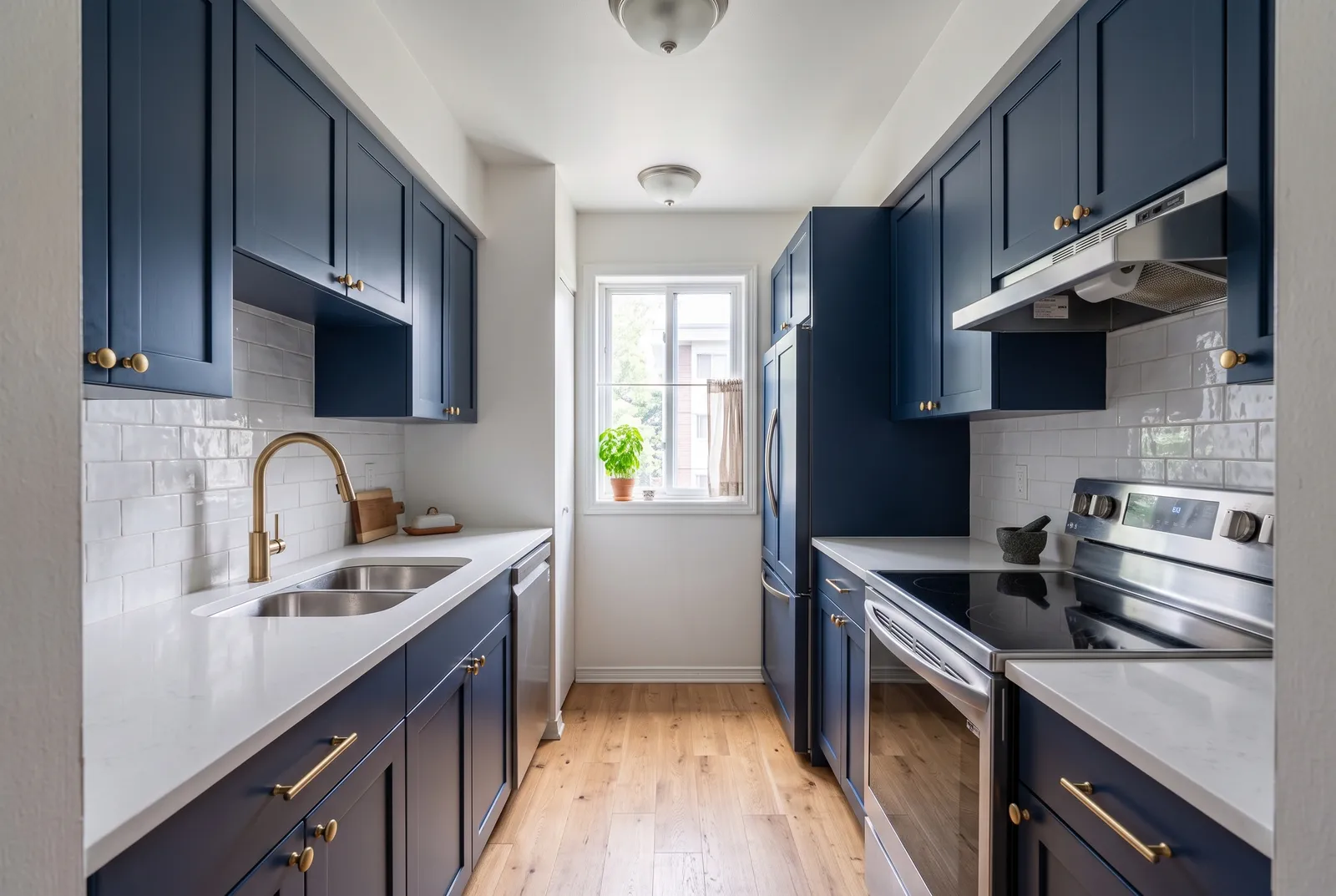
18 styles to try
All kitchen ideas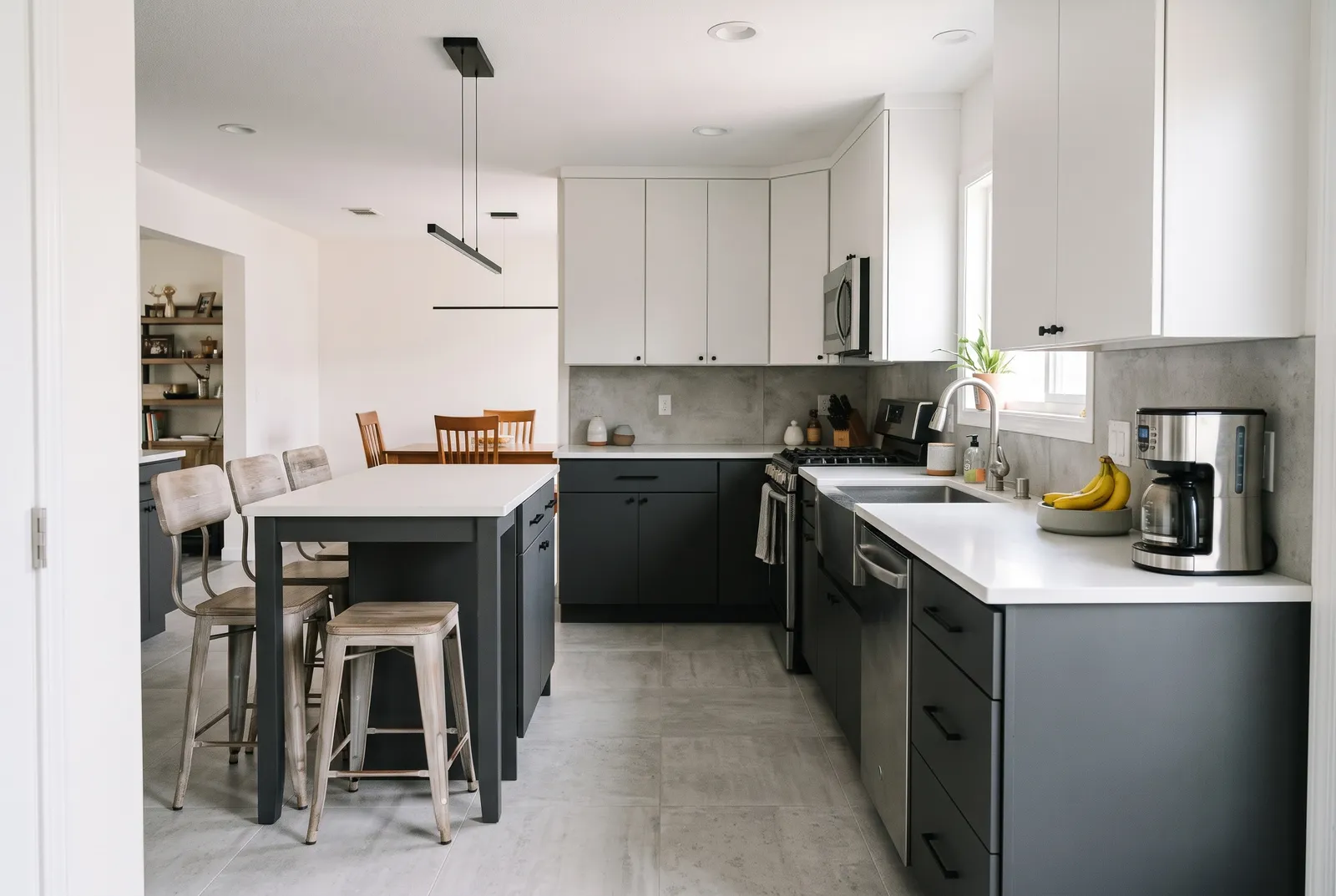
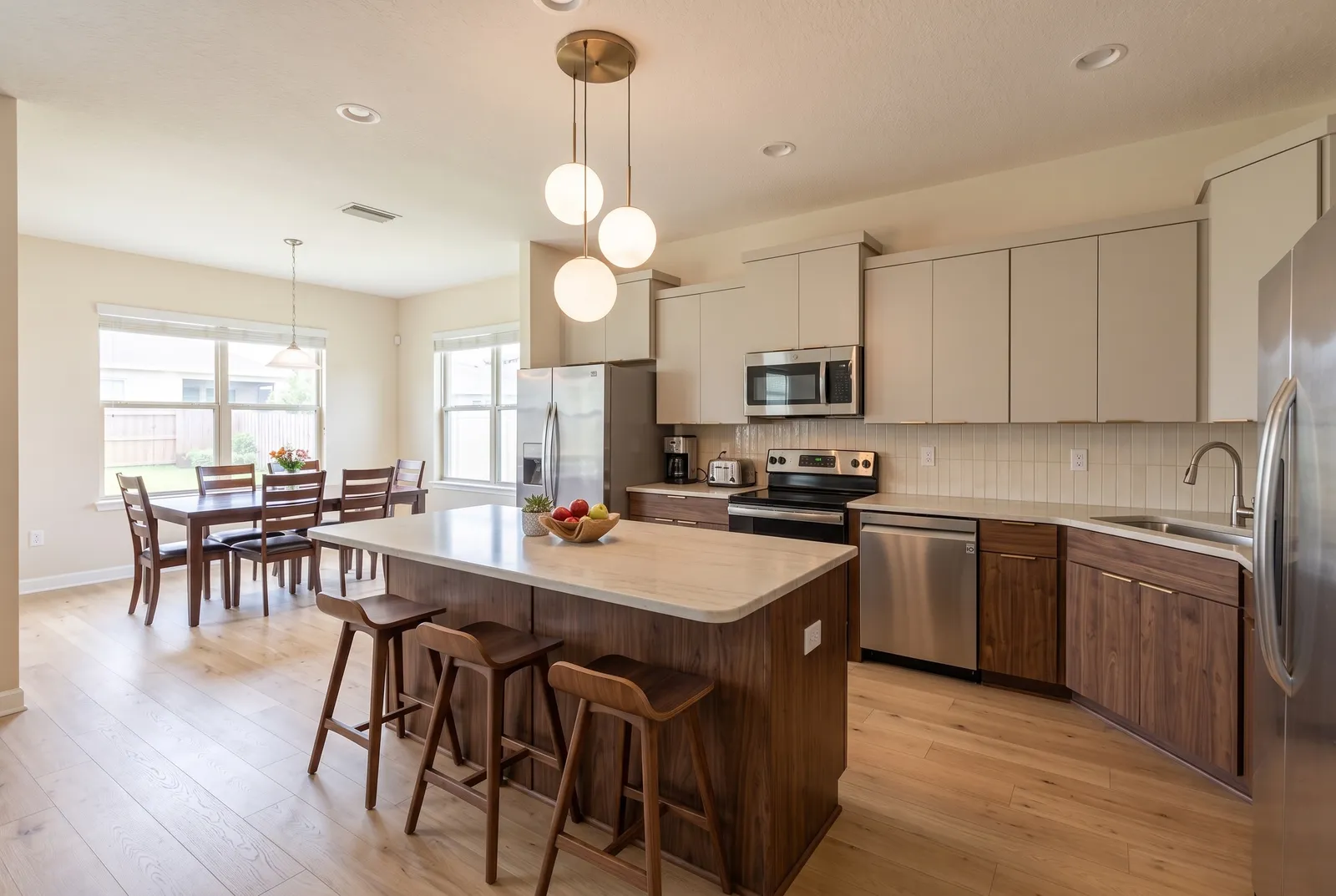
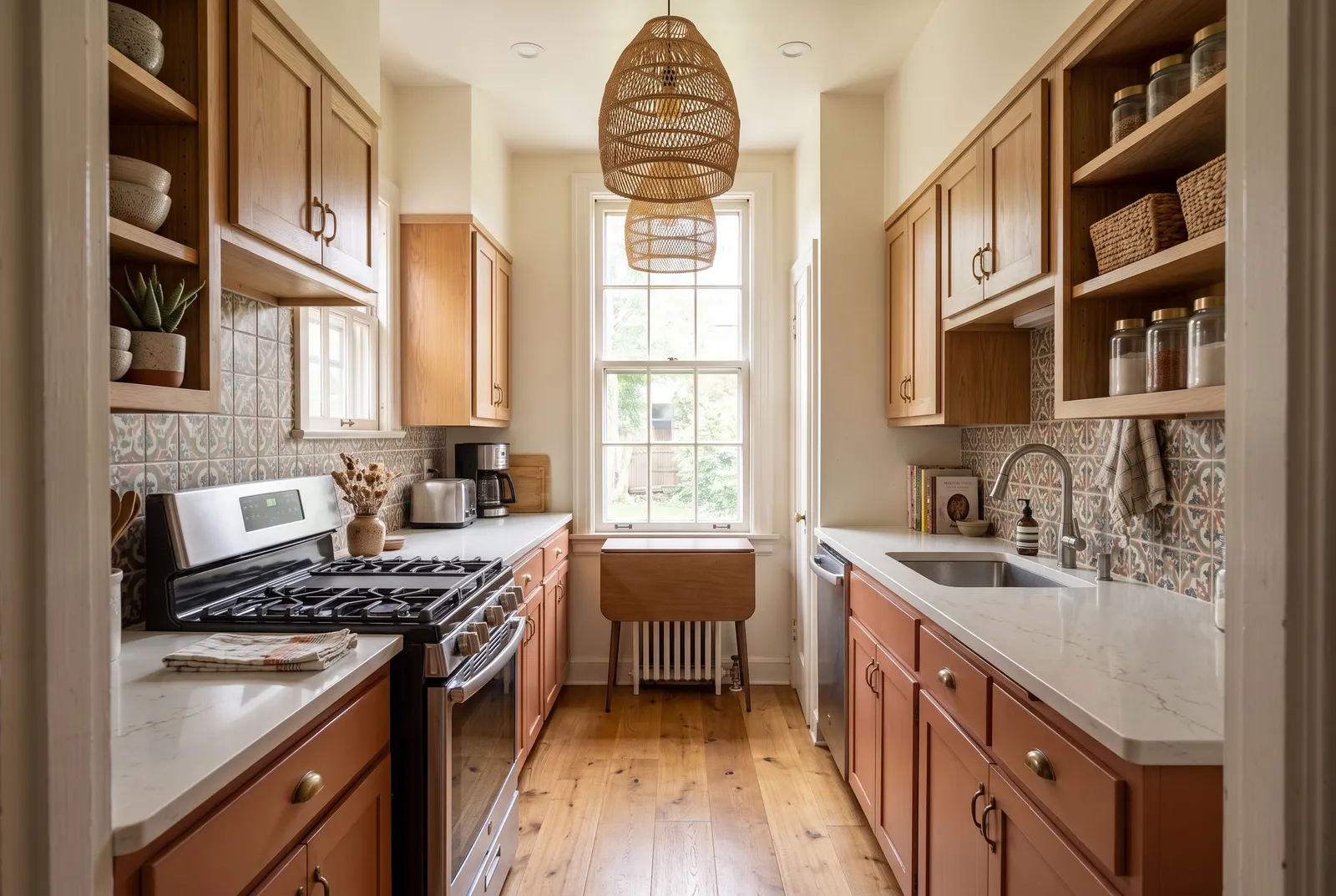
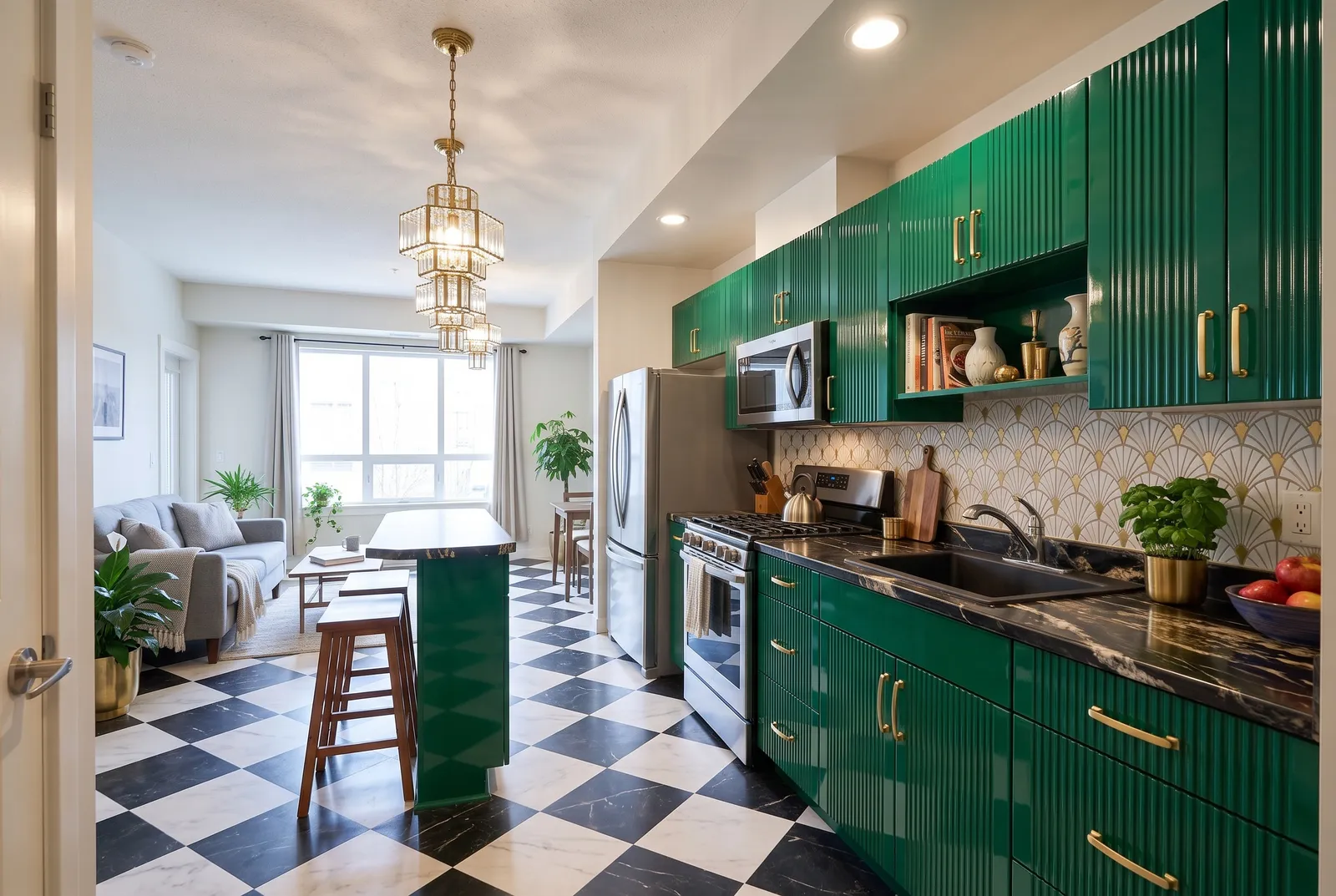
Frequently asked questions
- How much does a kitchen remodel cost?
- In the US, most mid-range remodels cost $25,000–$60,000, and cosmetic refreshes far less. Try our free kitchen remodel cost calculator for an estimate.
- Can I show the AI design to my contractor?
- Yes. Designs are a great brief, but they aren't to scale, so your contractor will still measure and plan.
- Does the AI change my layout?
- Only if you choose Redesign. Refresh and Remodel keep your layout.
More AI design tools
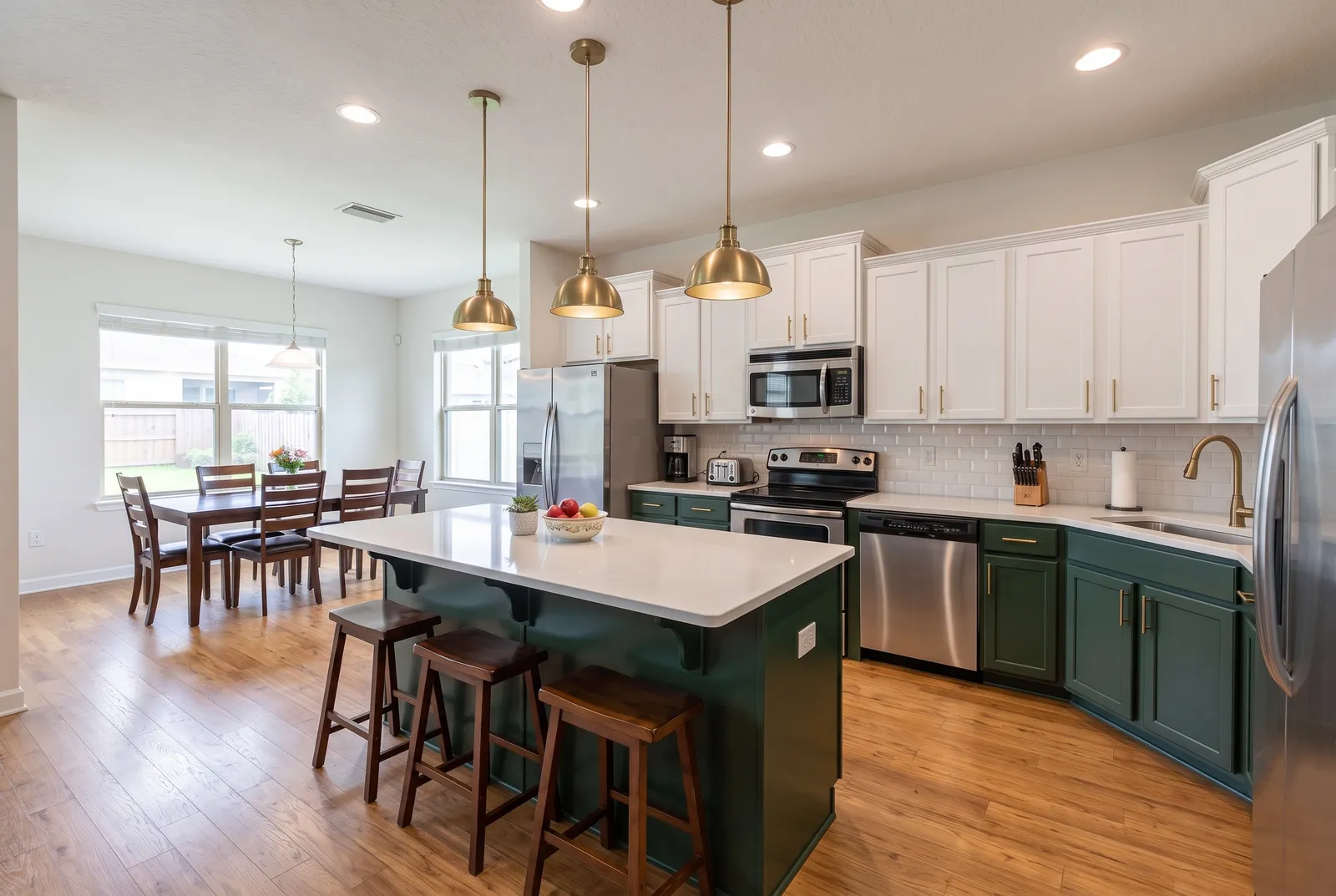
See it on your own kitchen.
Upload a photo and get a photorealistic redesign in about 30 seconds. Your first design is free.
Try it free