AI design tool
Kitchen visualizer: upload a photo, see the new kitchen
Most kitchen visualizers make you pick finishes on a generic 3D room. This one uses your photo, so you see the new cabinets, counters, and tile in the kitchen you actually have.
First design free · No card needed
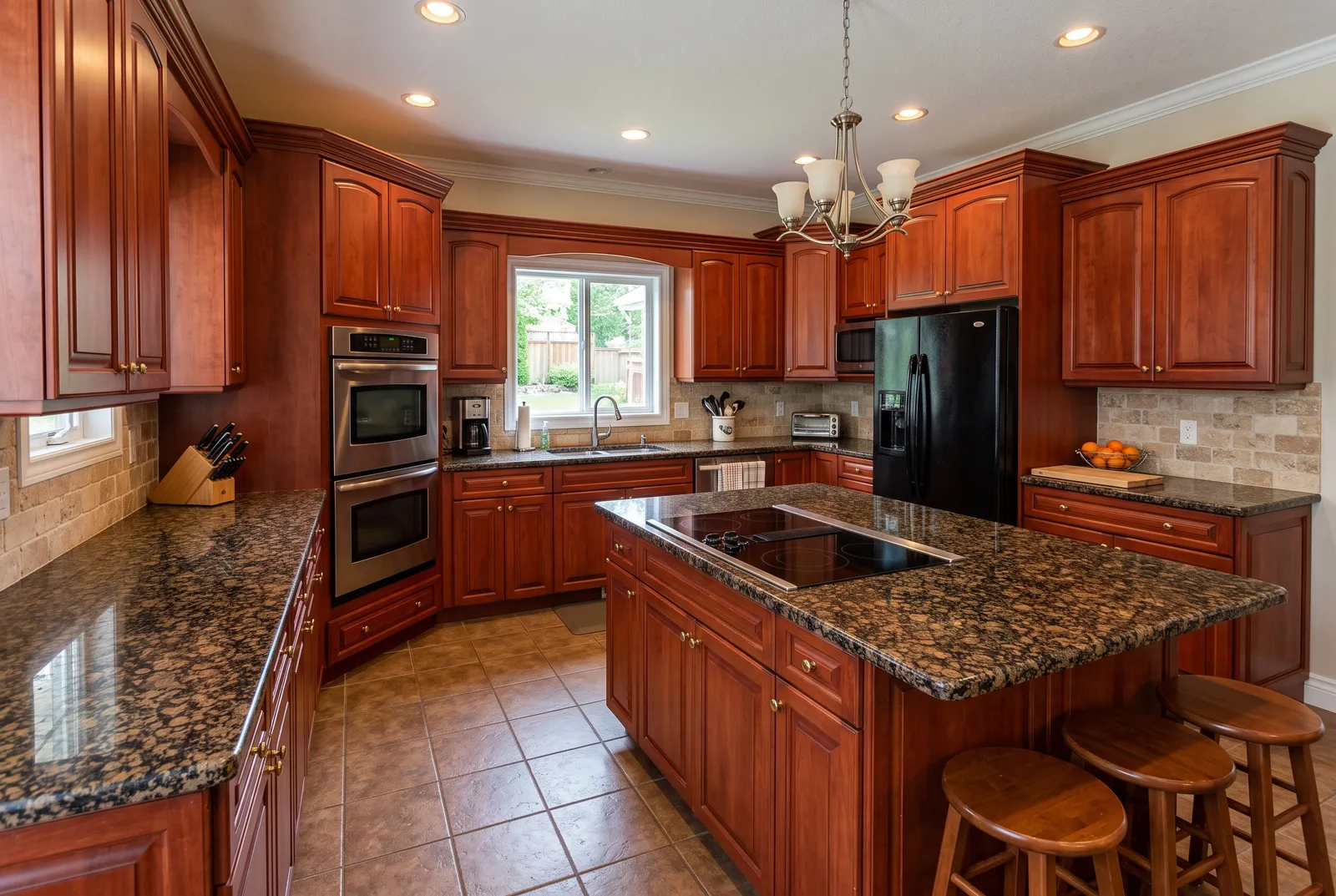
Visualize every surface at once
Cabinets, countertops, backsplash, hardware, lighting, and flooring change together, so you judge the whole look instead of one swatch at a time.
Choose how much to change
Refresh keeps your cabinets and swaps finishes. Remodel replaces everything in the same layout. Redesign re-plans the kitchen inside the same walls.
Compare side by side
Drag the slider between your photo and the new design, try another style, and keep the ones you like in My designs.
How it works
- 01
Upload a photo
A clear, wide shot from a corner or doorway. Phone photos work well.
- 02
Pick a style and change level
18 styles, plus Refresh, Remodel, or Redesign. Add colors or an inspiration photo.
- 03
Compare and refine
Slide between before and after, ask for tweaks, and download in 2K or 4K.
Choose how much to change
Refresh
New paint, counters, backsplash and hardware. Same cabinets and layout.
Remodel
New cabinets, appliances and finishes in the same layout.
Redesign
Full transformation inside the same walls, windows and doors.
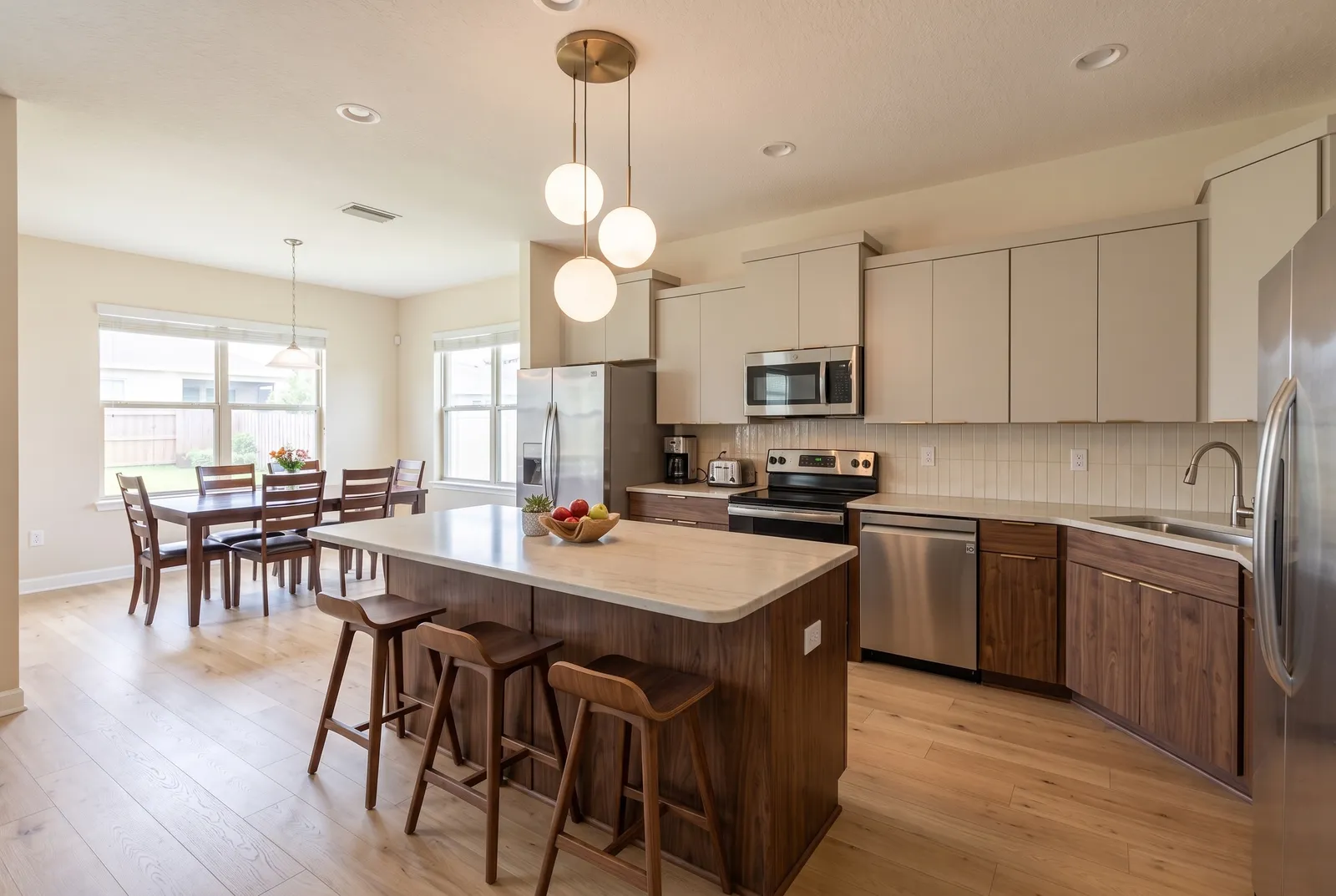
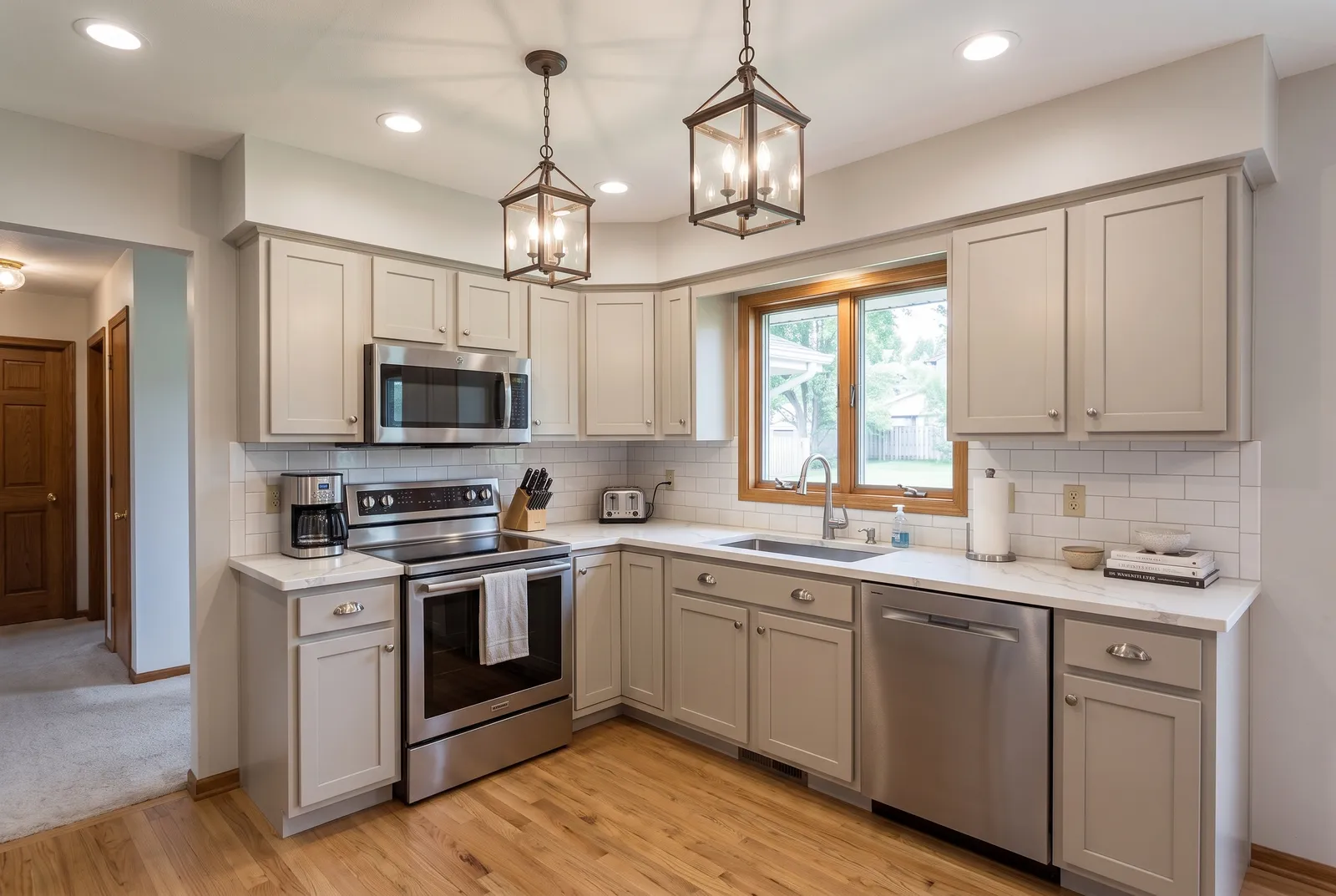
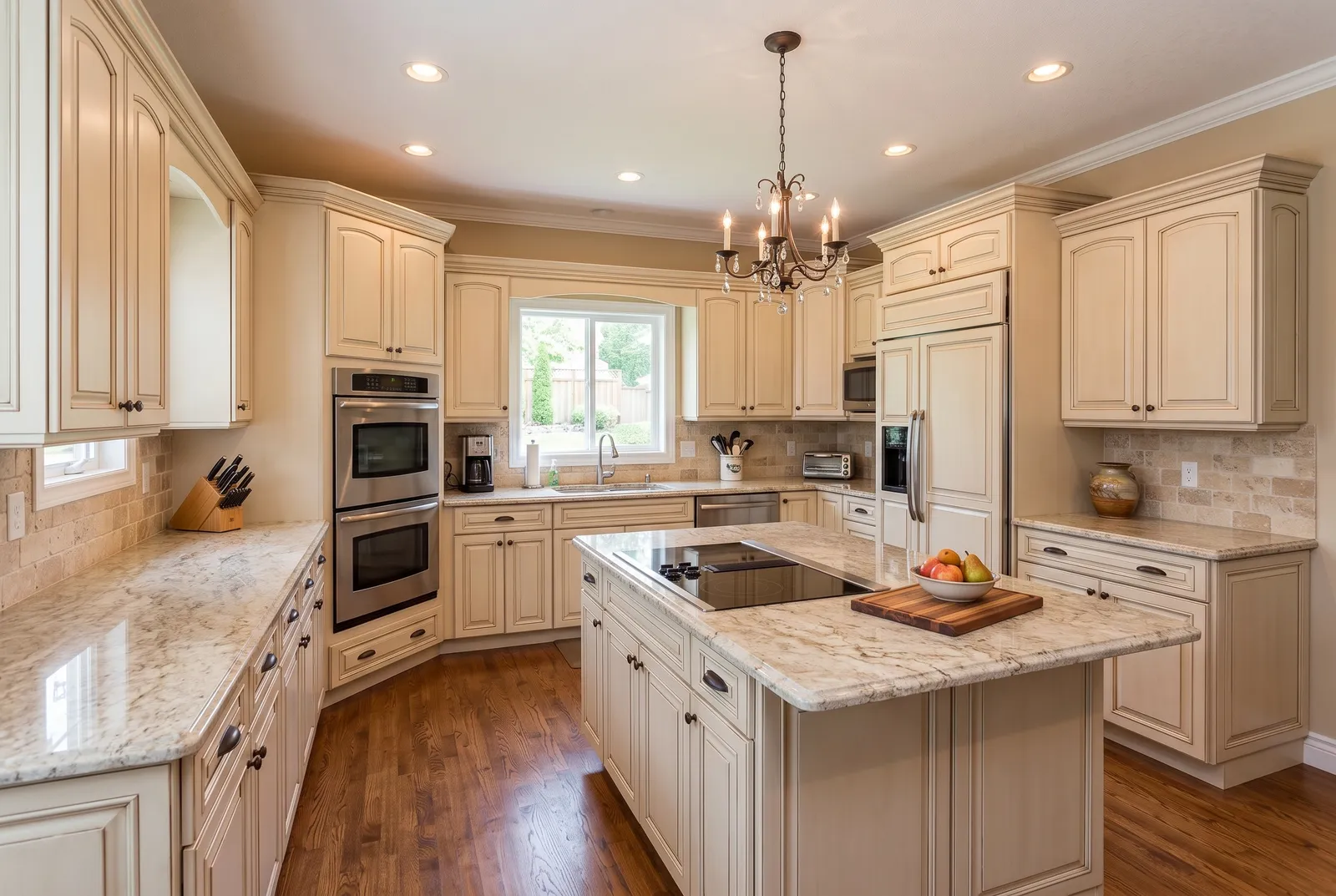
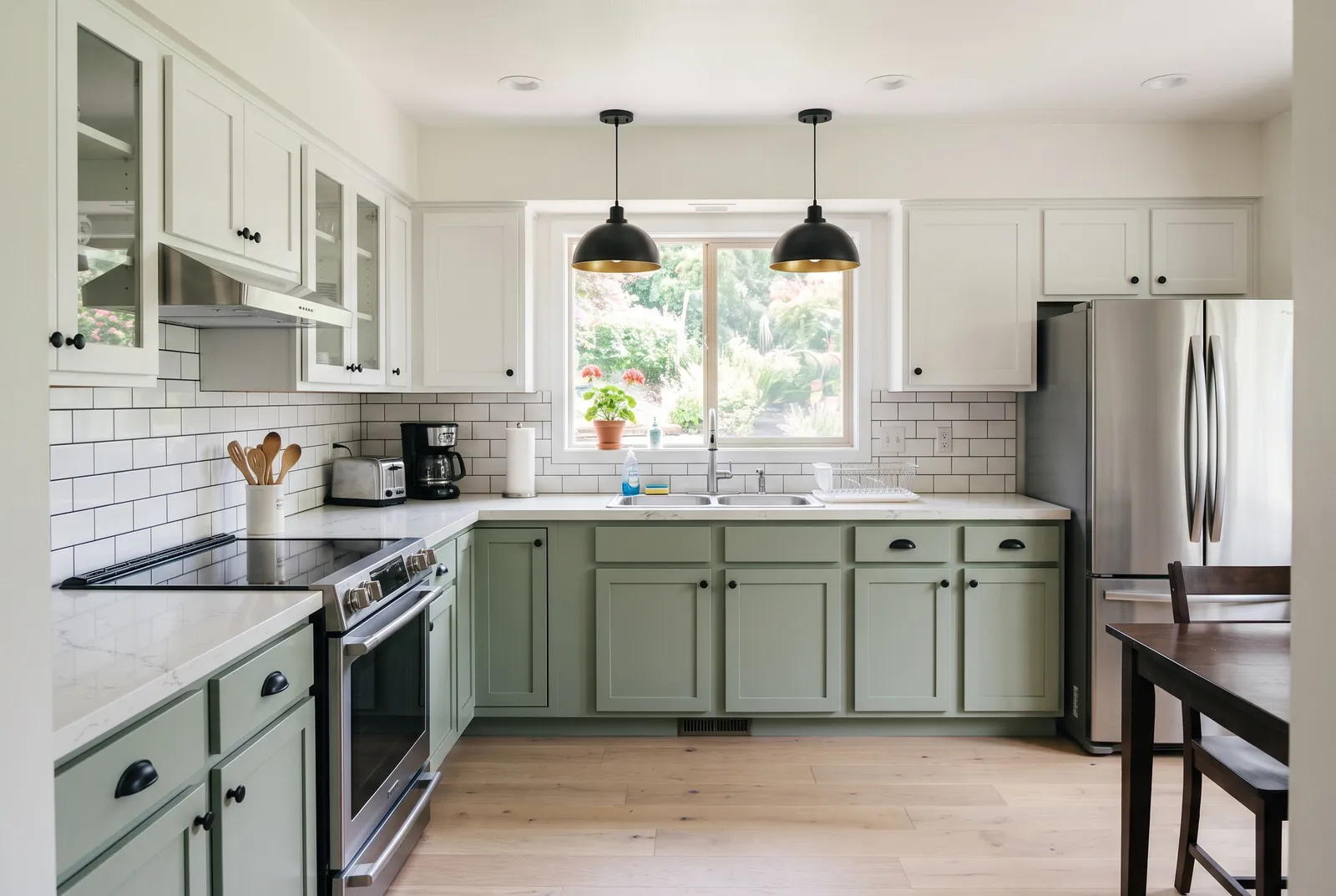
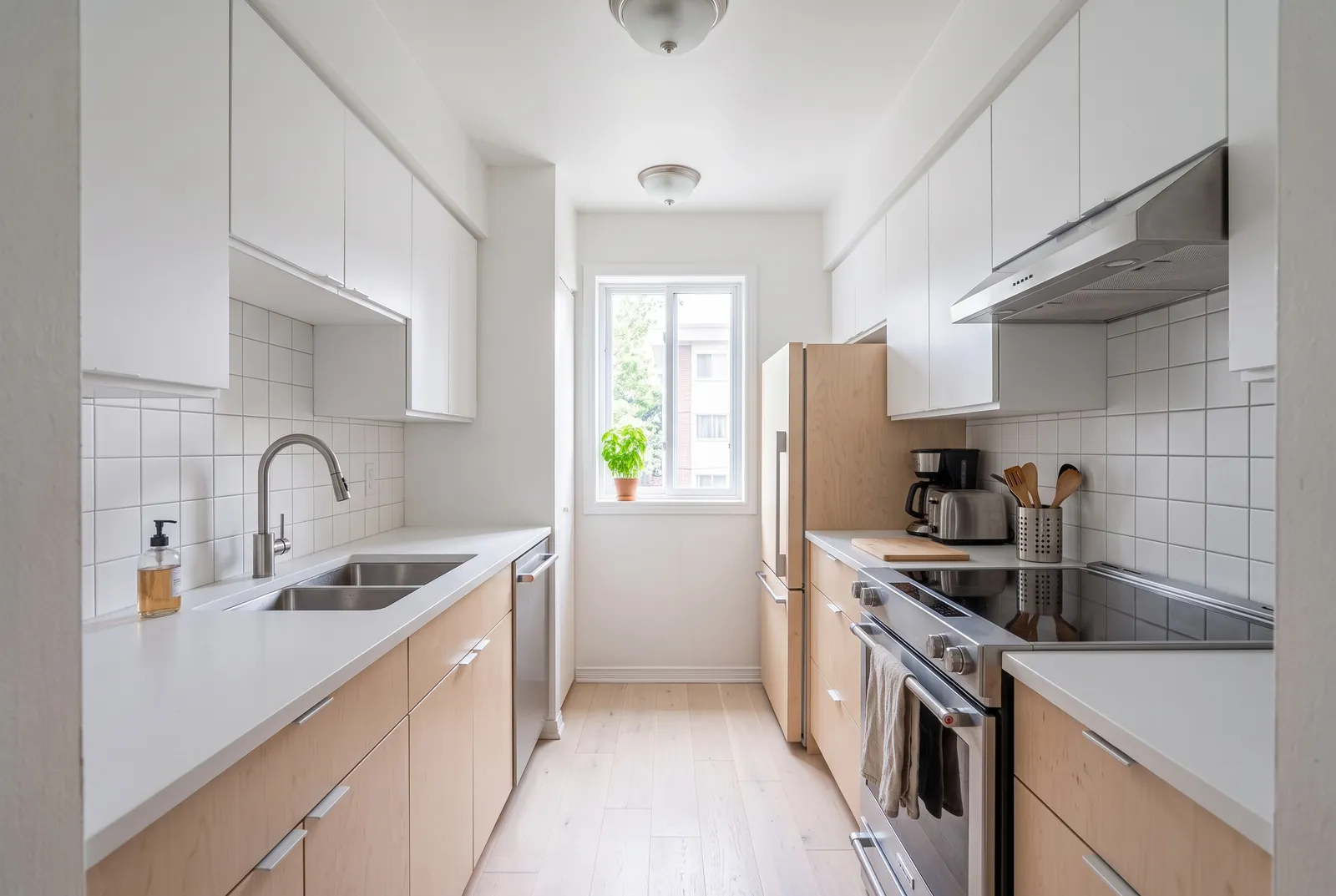
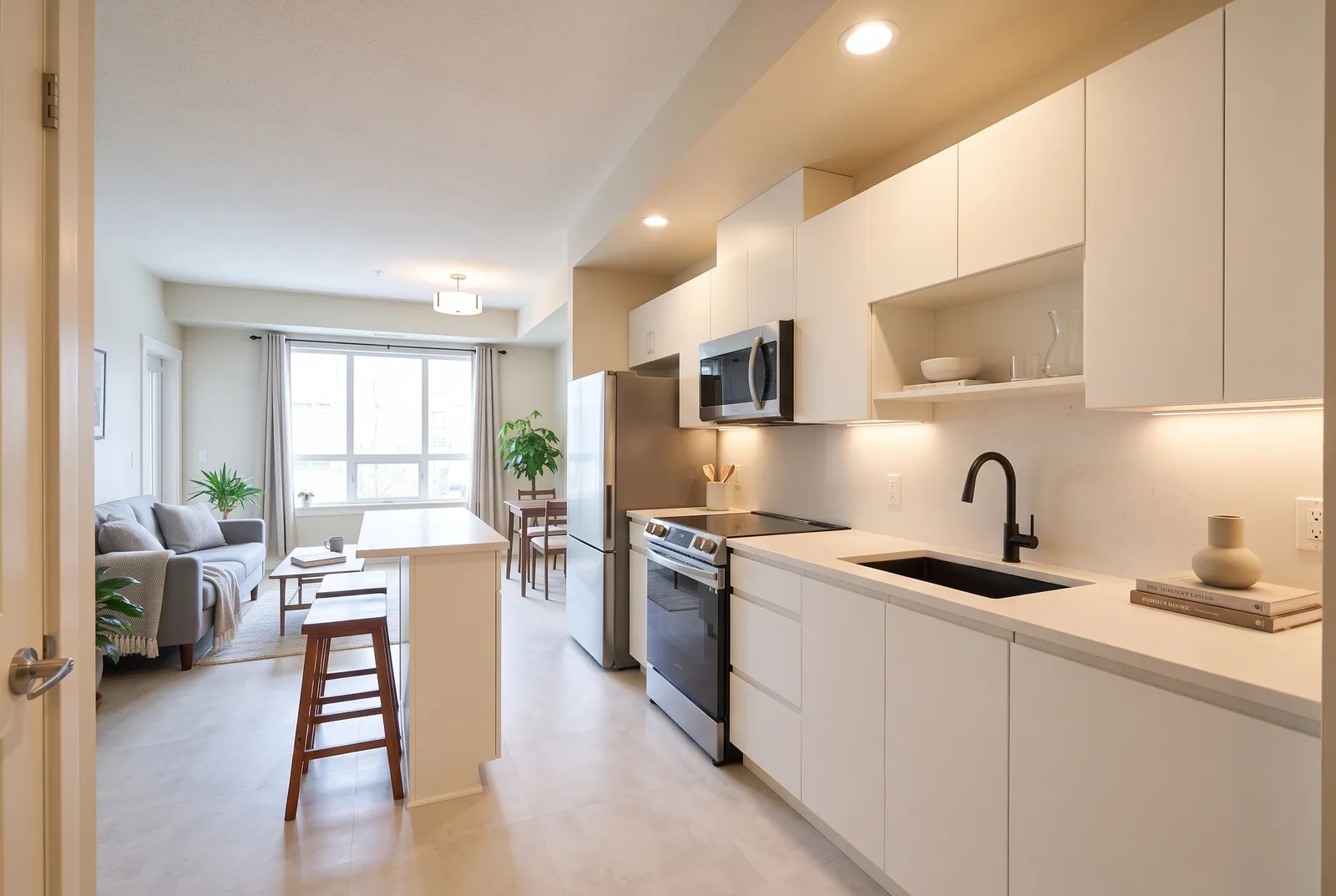
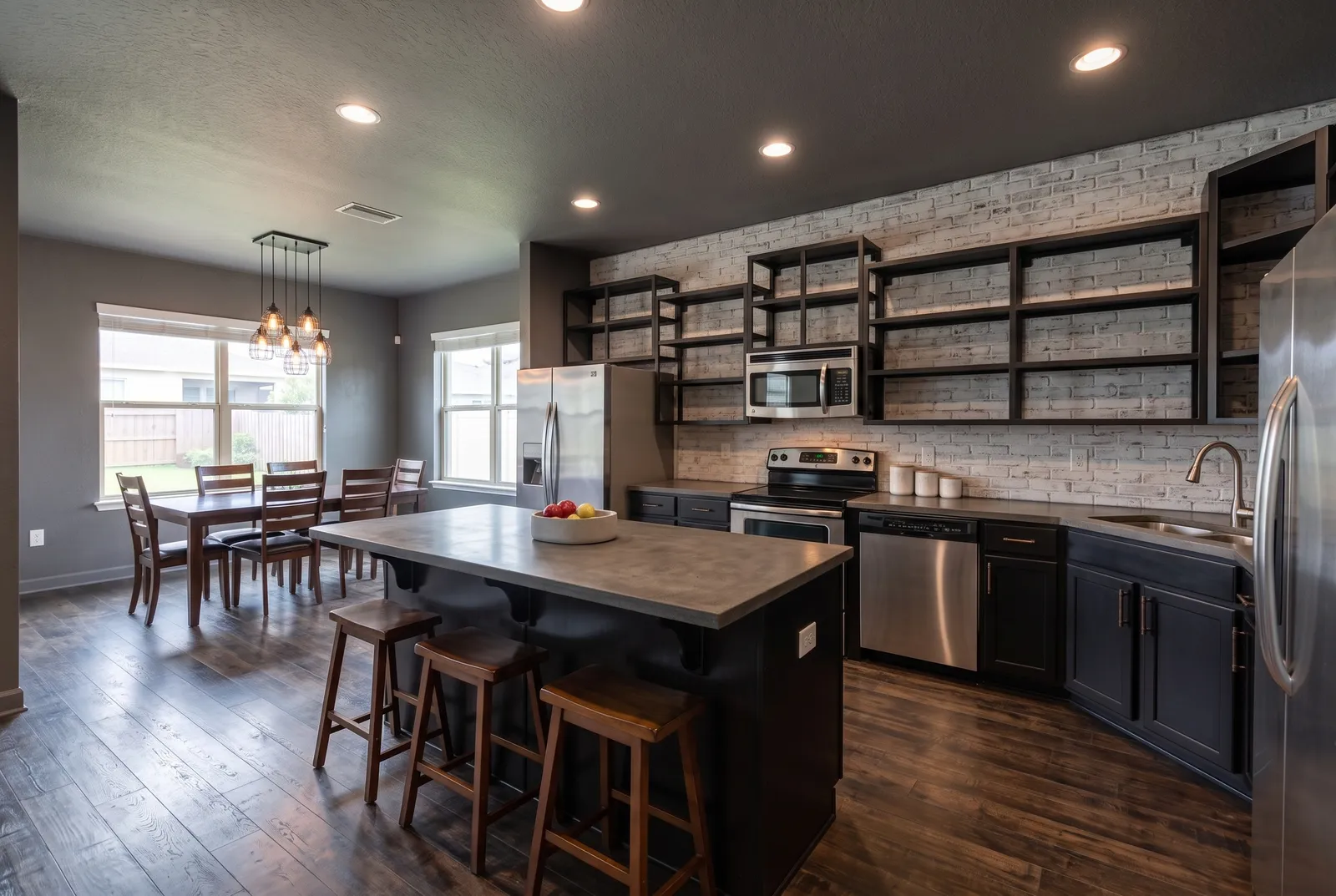
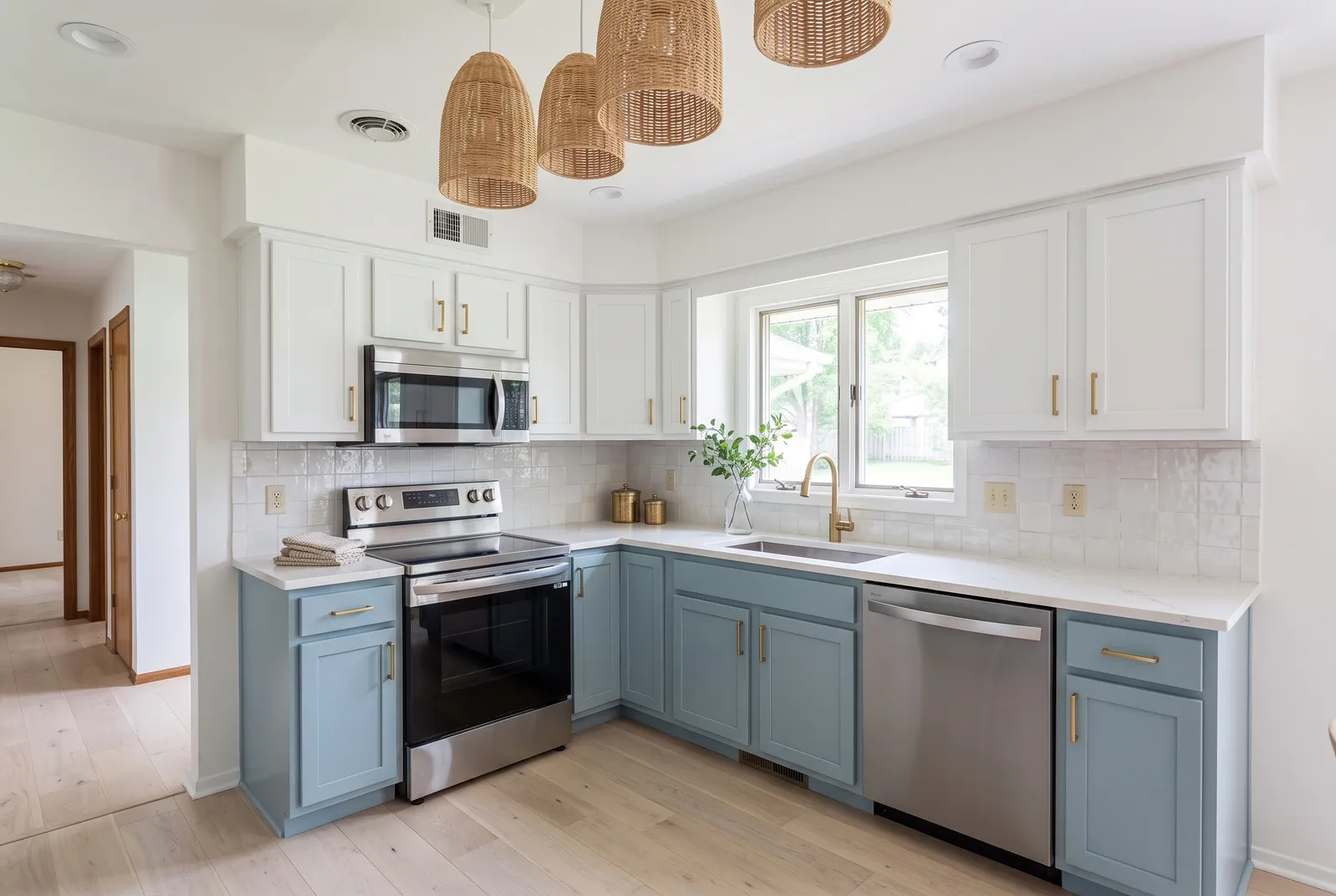
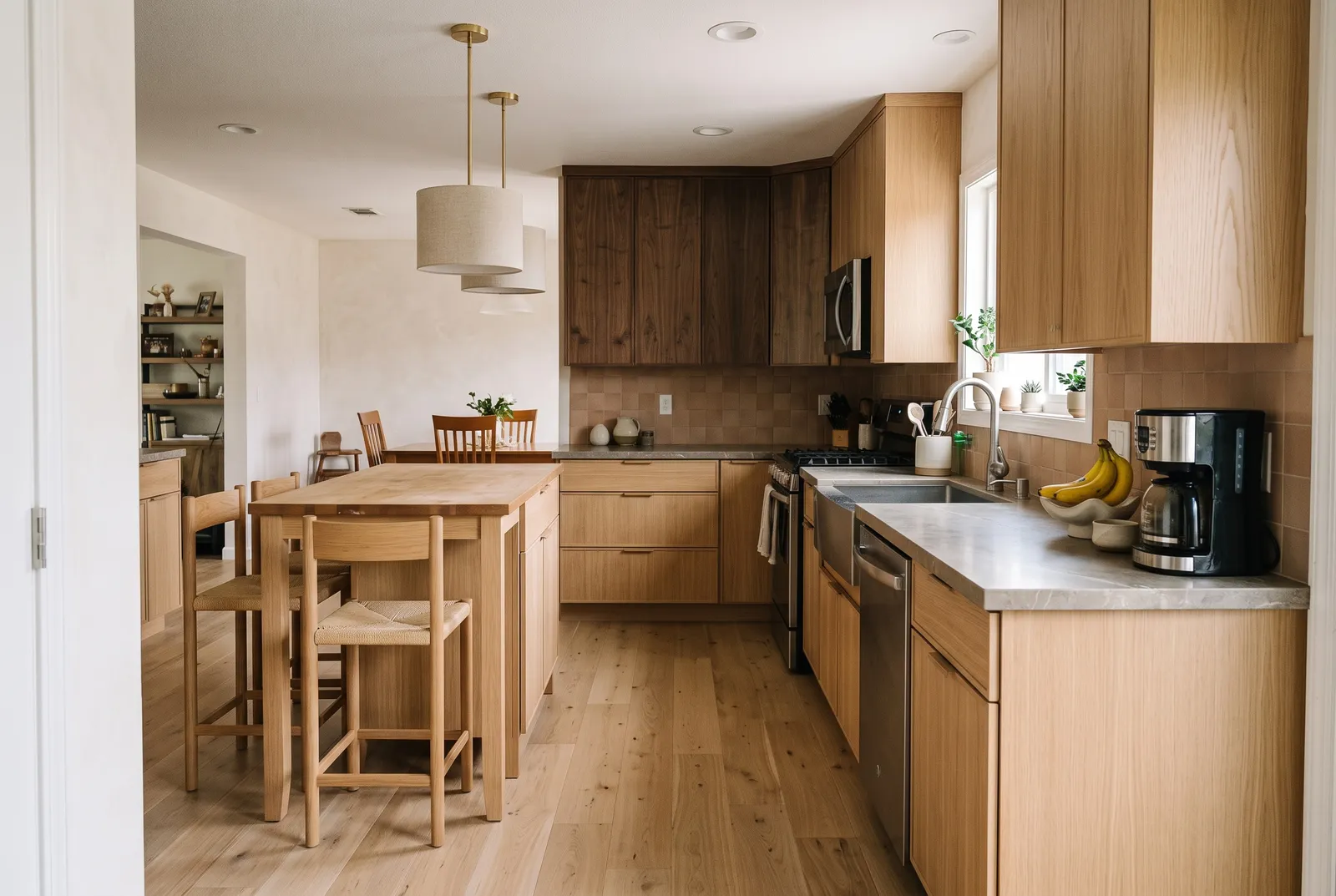
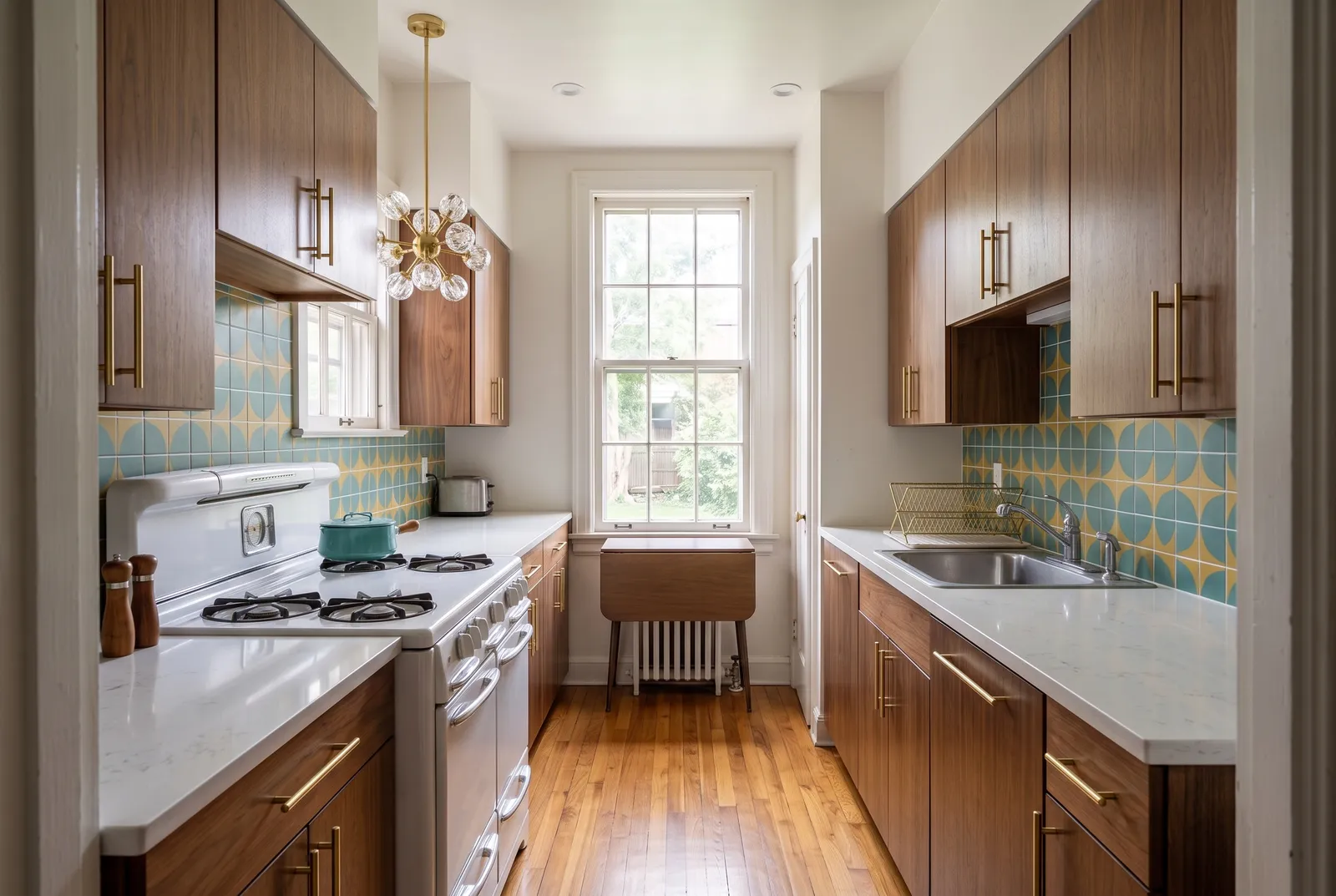
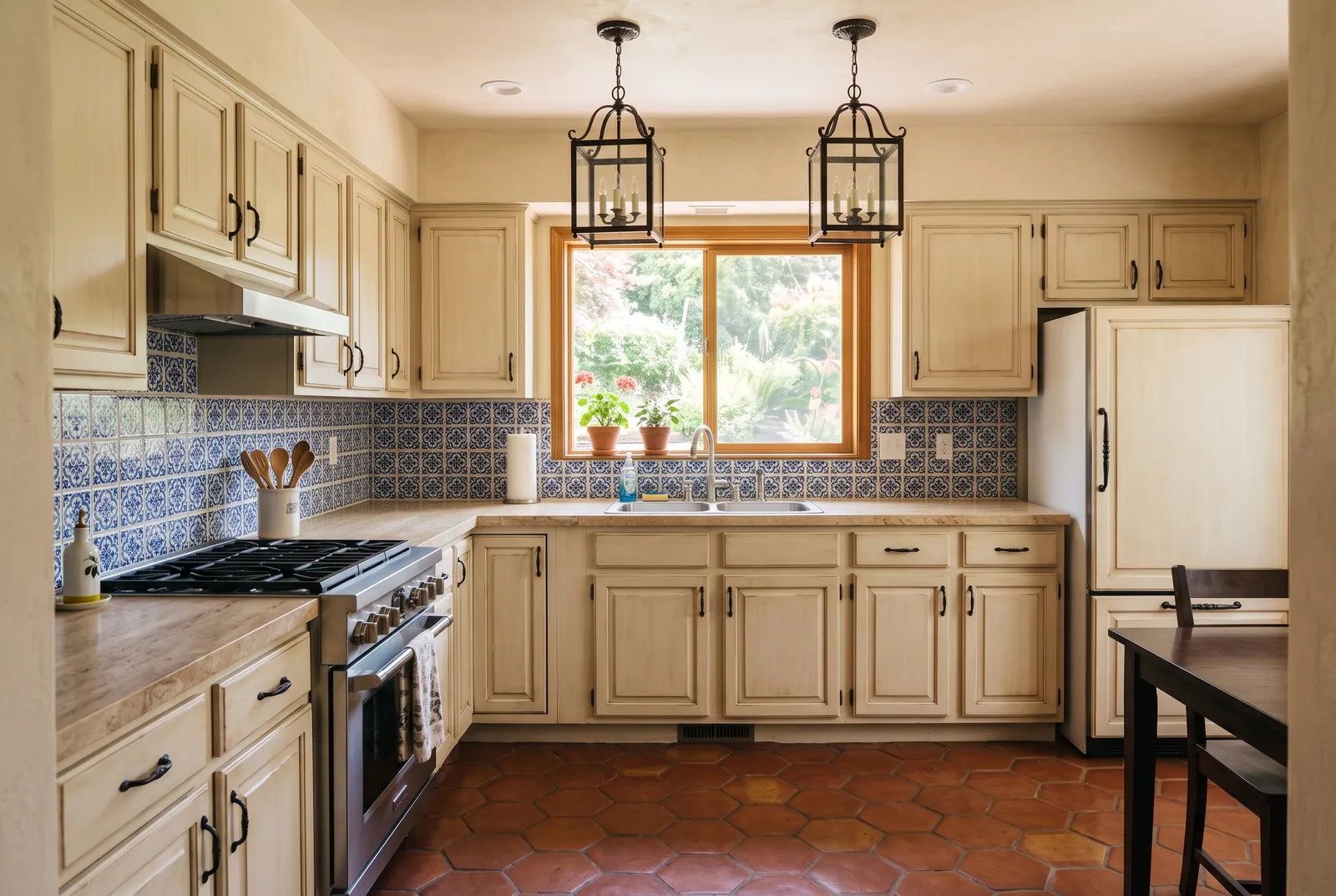
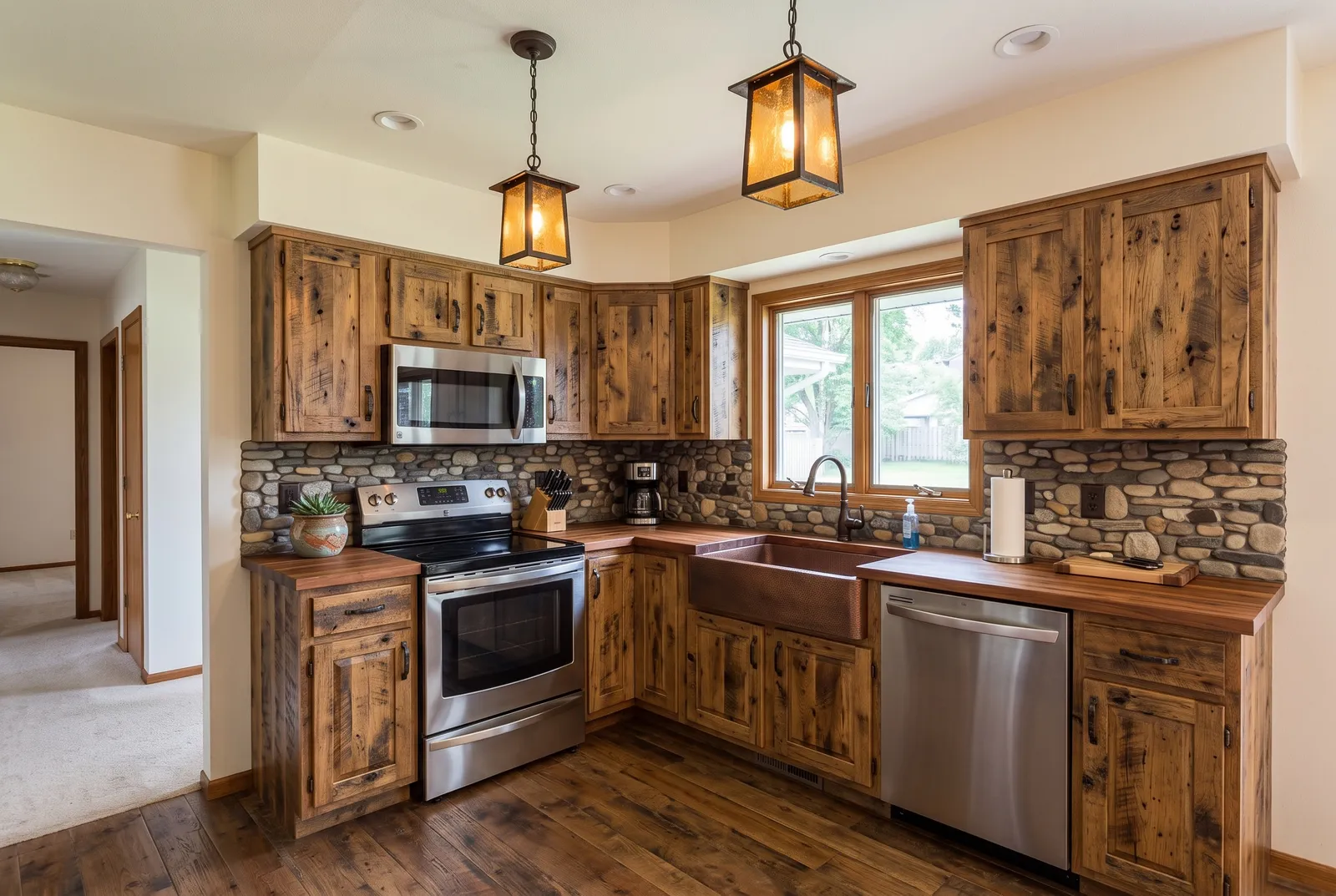
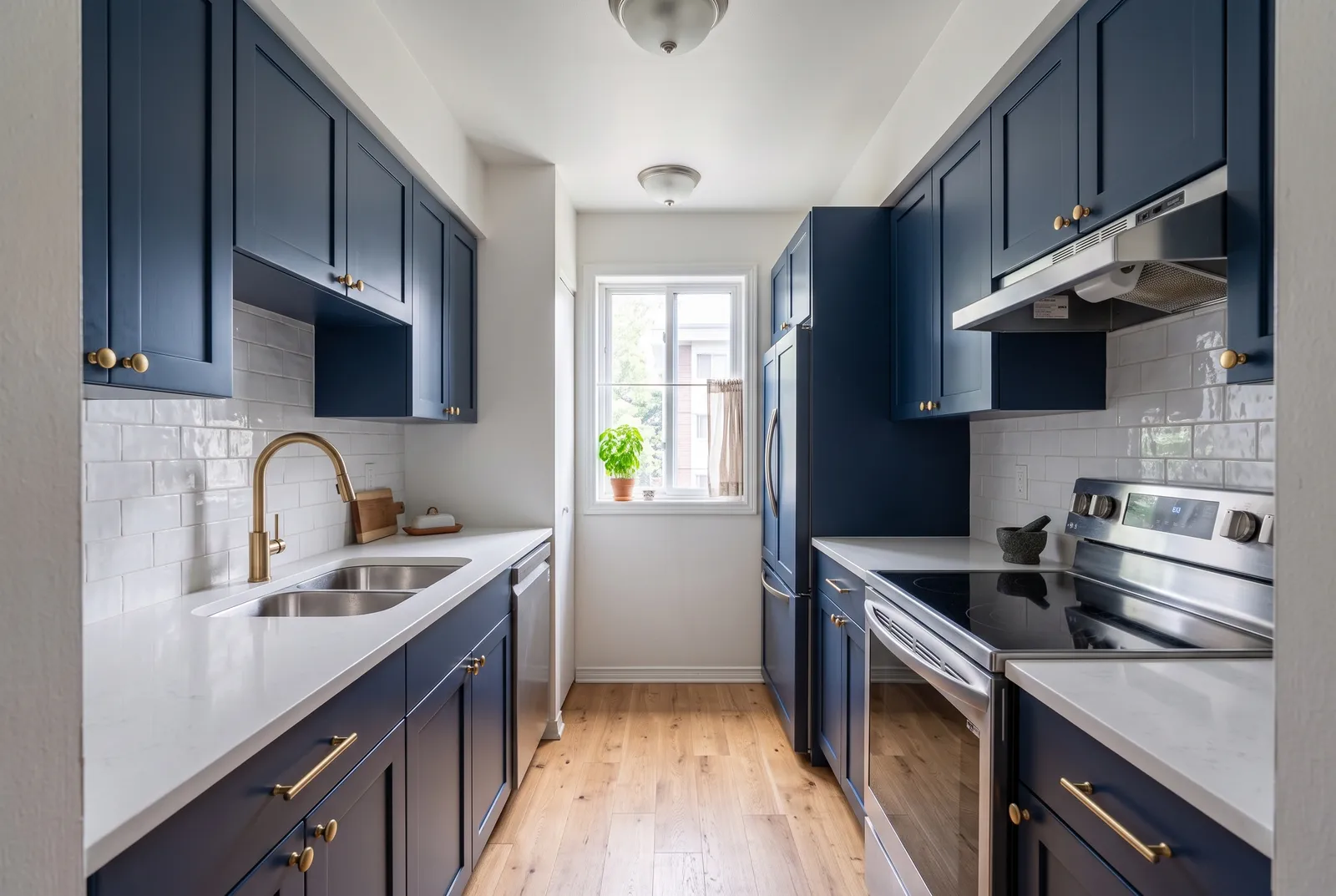
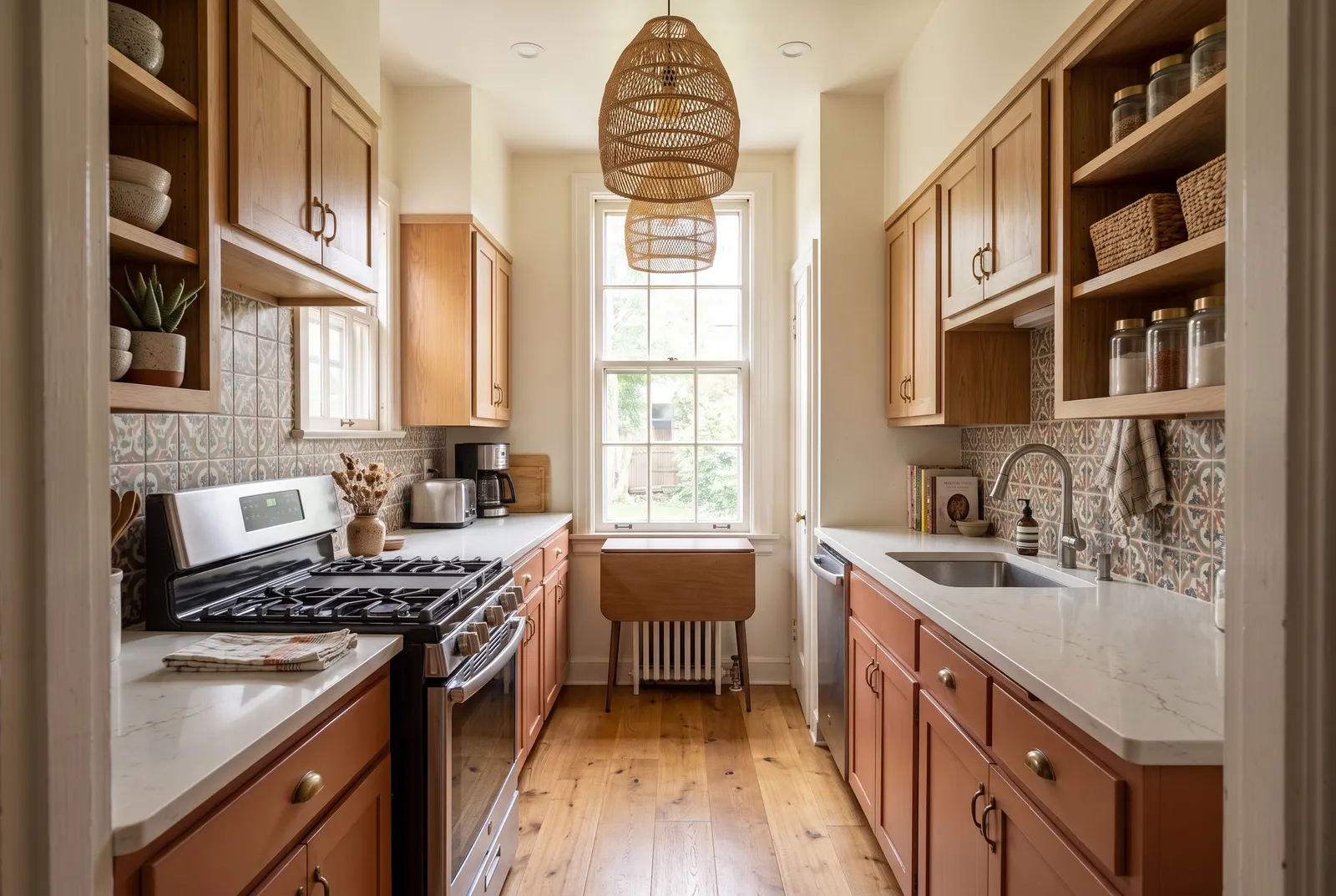
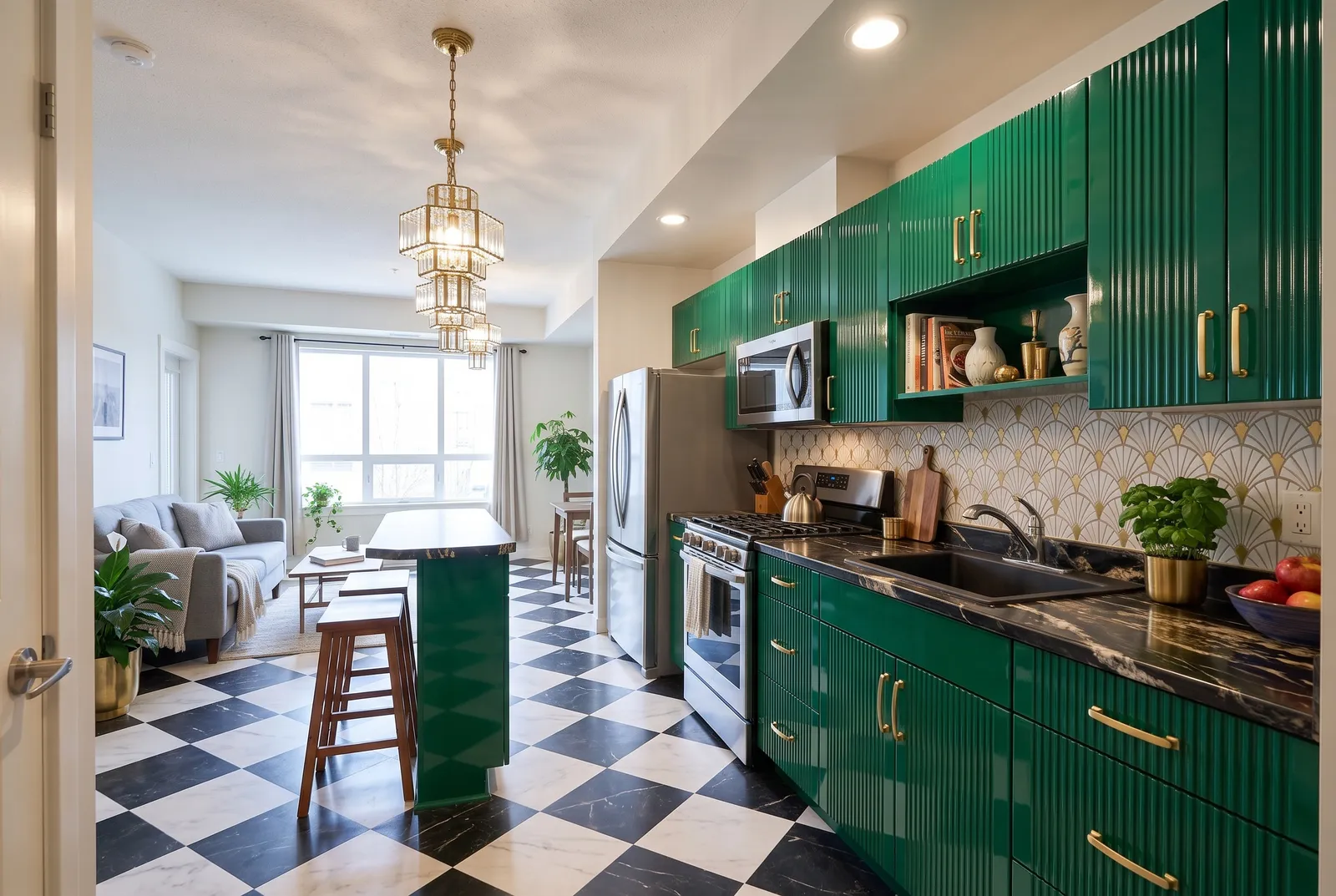
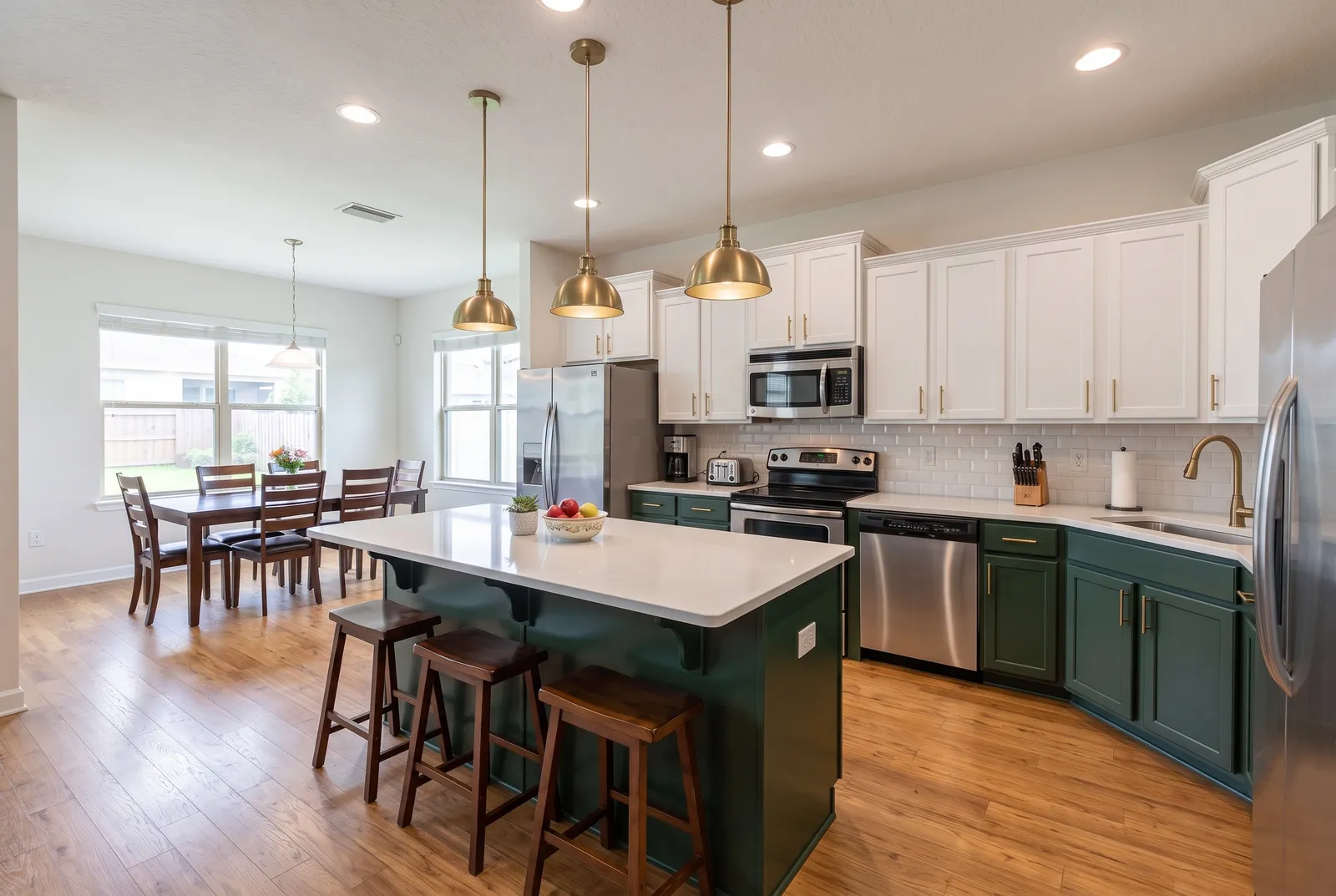
18 styles to try
All kitchen ideas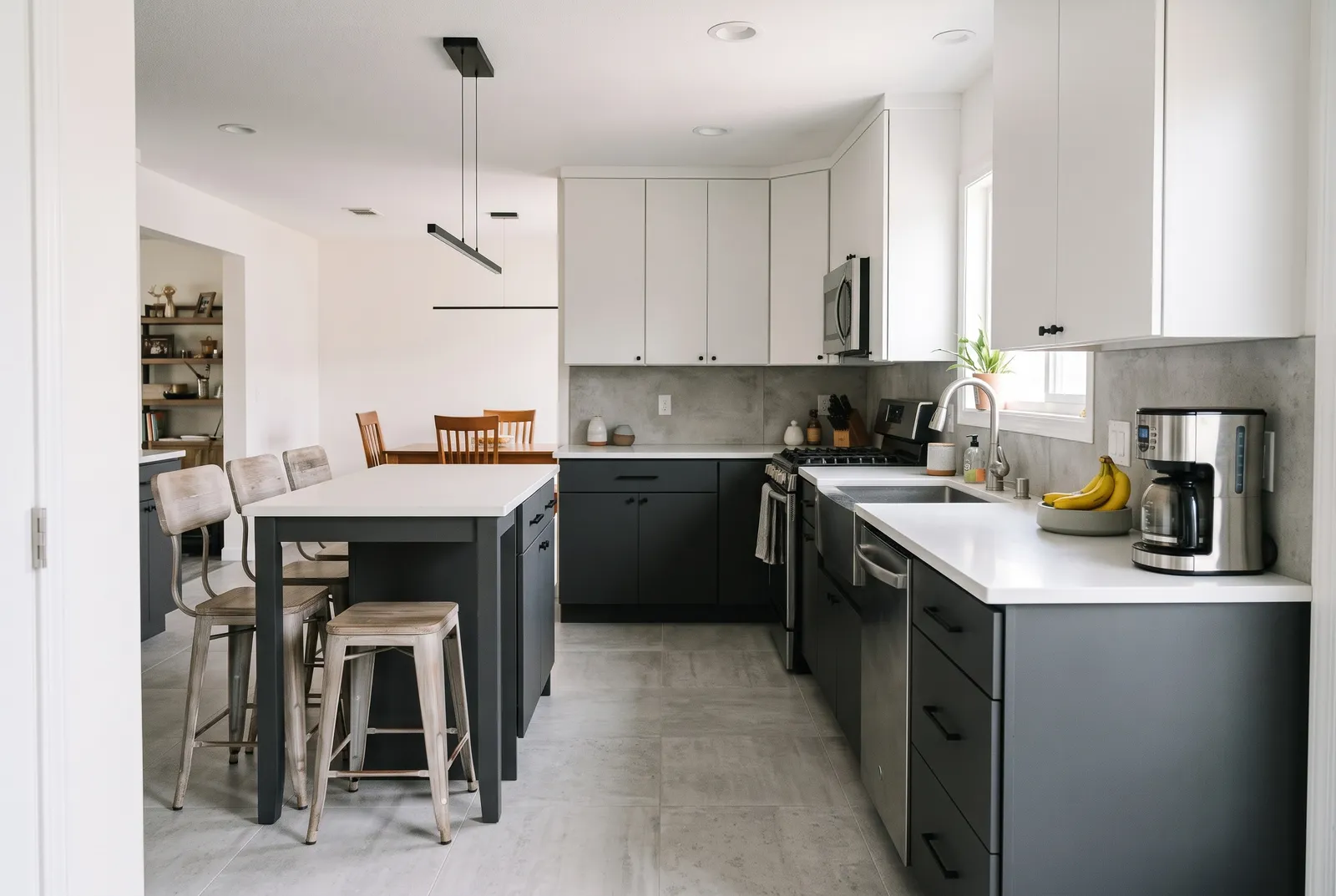
Frequently asked questions
- Is there a free kitchen visualizer?
- Yes. Your first design is free with no credit card. After that, plans start at $19/month.
- Can I visualize my own kitchen, not a sample room?
- Yes. Upload a photo of your kitchen and the design is applied to that photo from the same camera angle.
- What photo should I upload?
- A clear, well-lit, wide shot from a corner or doorway that shows most of the cabinets.
More AI design tools
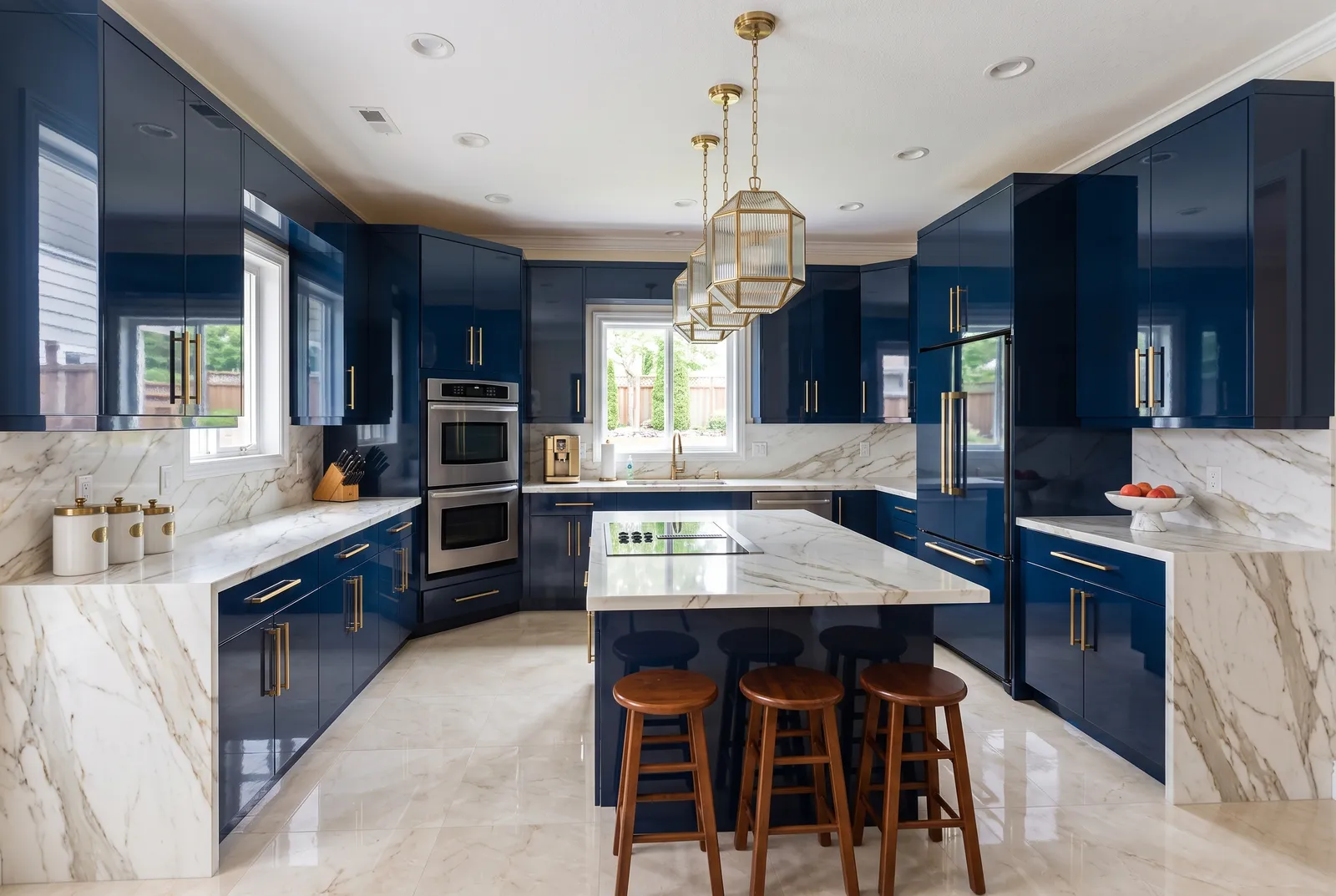
See it on your own kitchen.
Upload a photo and get a photorealistic redesign in about 30 seconds. Your first design is free.
Try it free