AI design tool
AI home office design from a photo
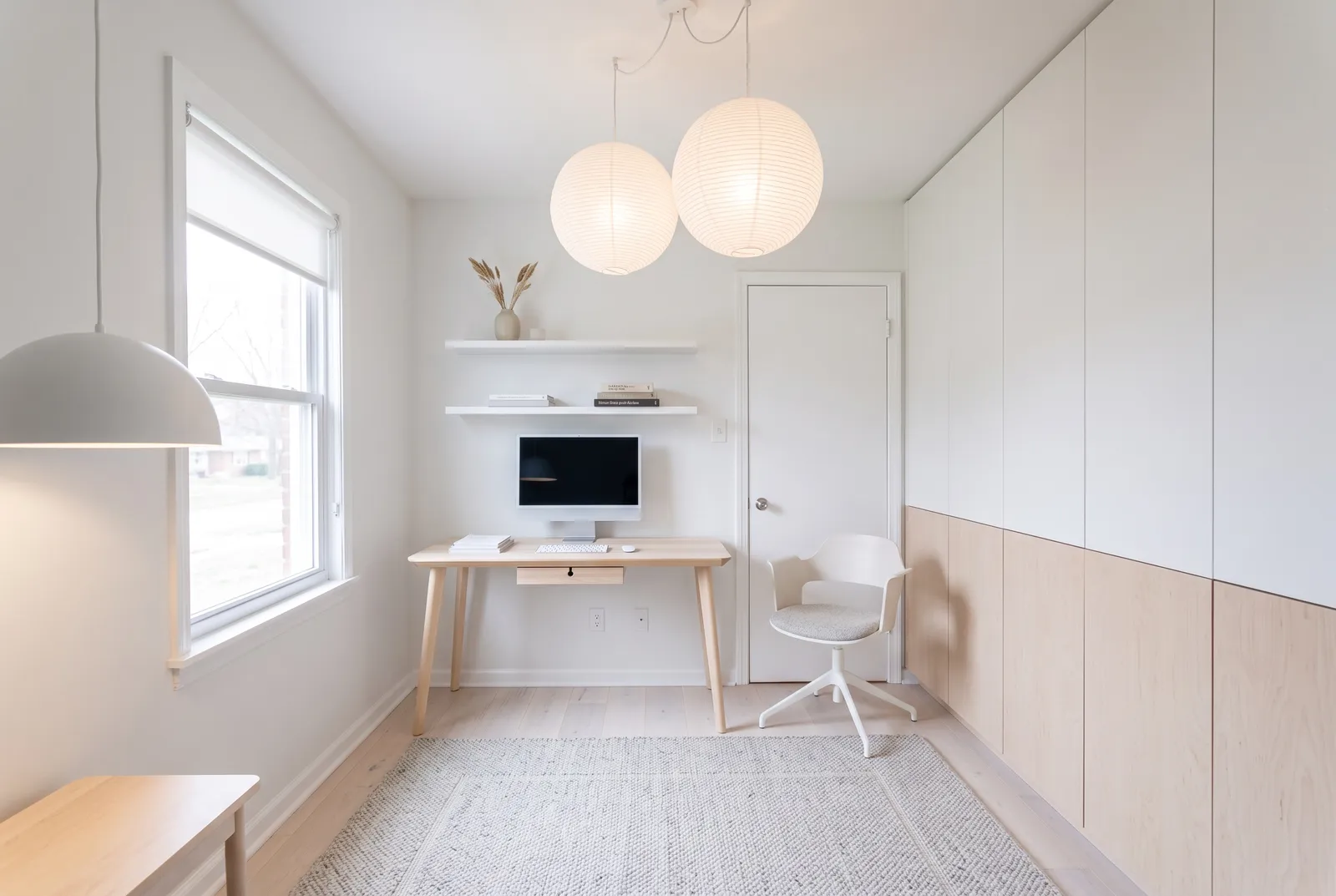
Turn a spare room or corner into a workspace you actually want to sit in. See desk placement, storage, and colors in your real room.
First design free · No card needed
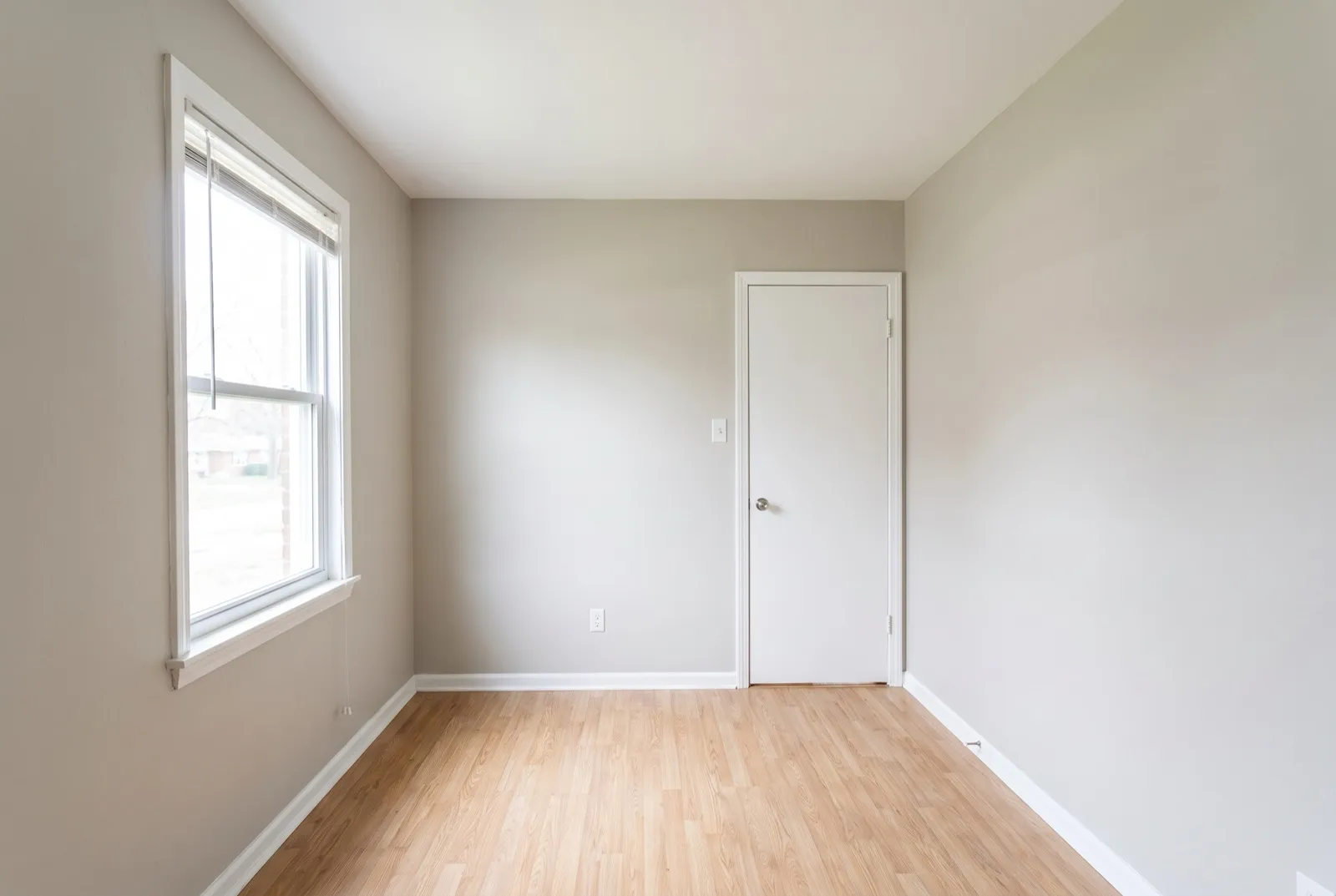
Plan the desk spot
See the desk by the window or against a wall before moving anything.
Storage that fits
Shelving and cabinets sized to your walls.
Video-call ready
Design what's behind you, not just what's in front.
How it works
- 01
Upload a photo
A clear, wide shot from a corner or doorway. Phone photos work well.
- 02
Pick a style and change level
18 styles, plus Refresh, Remodel, or Redesign. Add colors or an inspiration photo.
- 03
Compare and refine
Slide between before and after, ask for tweaks, and download in 2K or 4K.
Choose how much to change
Refresh
New paint, counters, backsplash and hardware. Same cabinets and layout.
Remodel
New cabinets, appliances and finishes in the same layout.
Redesign
Full transformation inside the same walls, windows and doors.
Frequently asked questions
- Can AI design my home office from a photo?
- Yes. Upload a photo of your home office, choose a style, and the AI redesigns it while keeping the walls, windows, and camera angle.
- Does it work on empty rooms?
- Yes. Empty rooms are furnished in your chosen style; furnished rooms are redesigned.
- How much does it cost?
- Your first design is free. Plans start at $19/month, and the same credits work for kitchens and every other room.
More AI design tools
See it on your own kitchen.
Upload a photo and get a photorealistic redesign in about 30 seconds. Your first design is free.
Try it free